
The dashboard
The dashboard is a React app embedded in pulsed. It is served with the admin API on 127.0.0.1:8080, reached through ssh -L 8080:127.0.0.1:8080 <vps>, and, when you enable it, behind Cloudflare (on its own hostname or the API hostname). Every page needs a signed-in user; every change is recorded in the audit log under that user.
Signing in
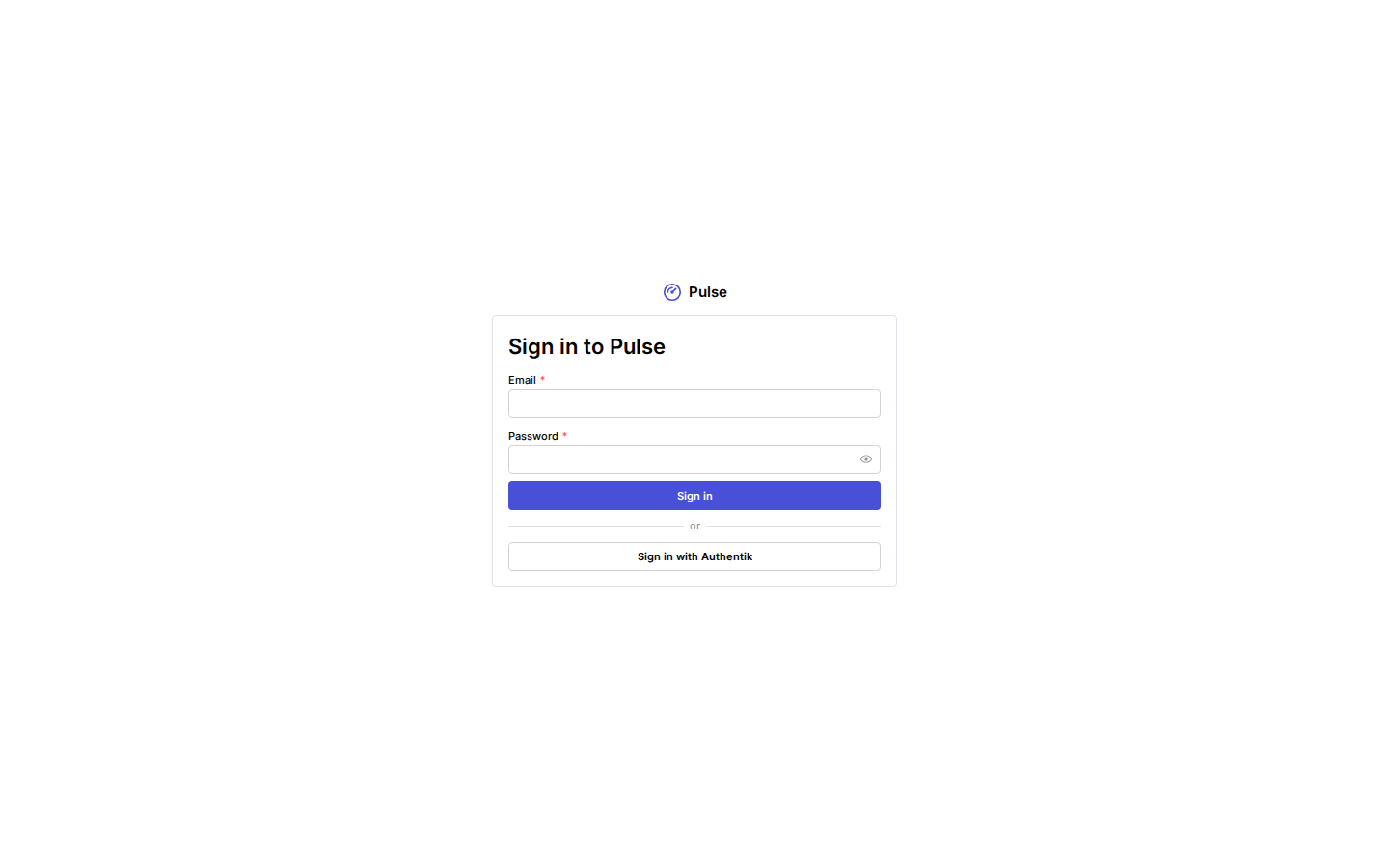
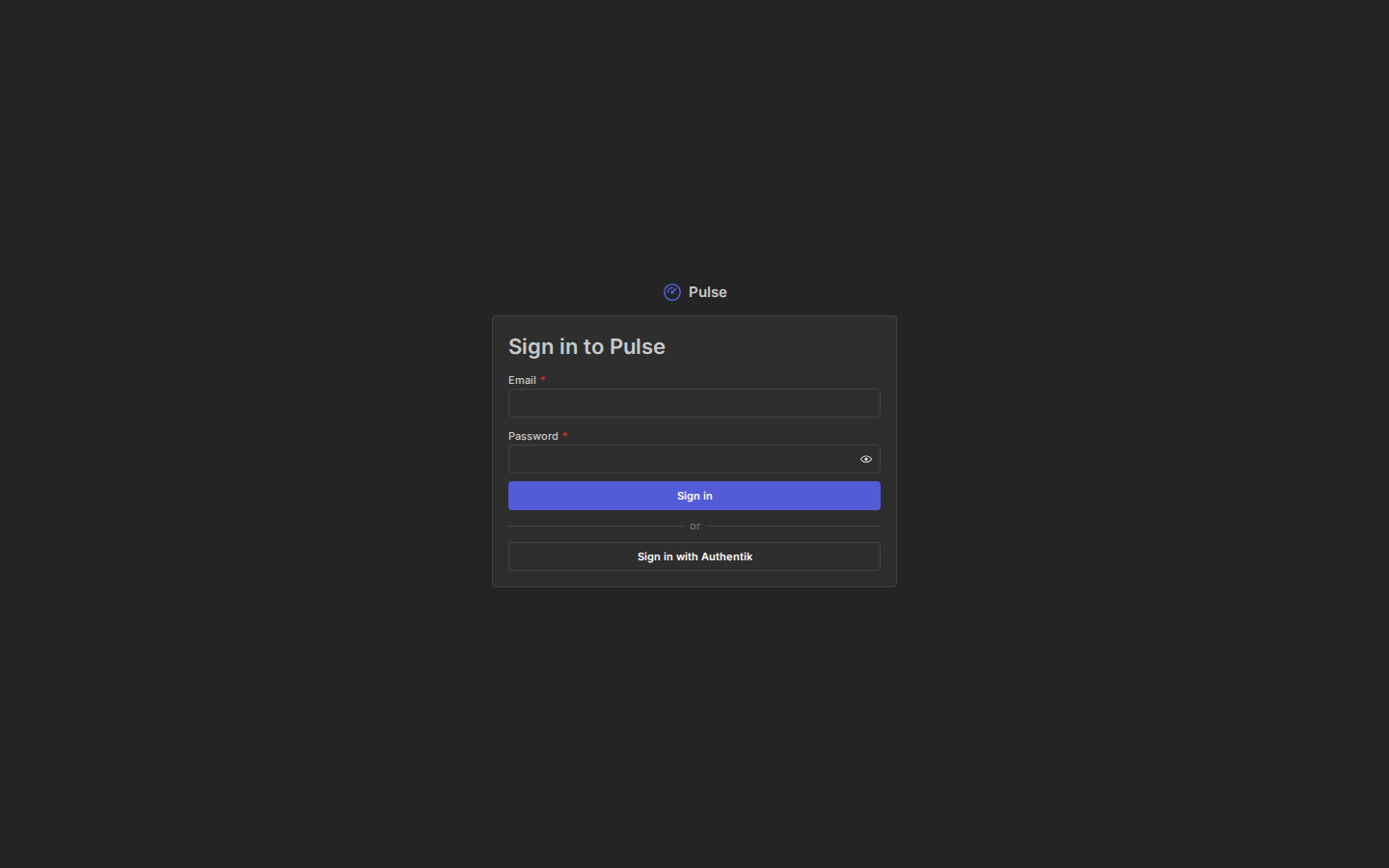
Sign in with your email, password and a TOTP code, or with a single sign-on button when a provider is configured. The first administrator comes from a one-time setup link (pulsed admin bootstrap); everyone else gets an invitation or a password link from an administrator. Sessions end after 30 minutes of inactivity and 12 hours at most.
Your role decides what you see: pages and buttons you have no permission for are hidden. Viewers read the dashboards and events; auditors also read the audit log and users; operators run the bus (clients, tokens, webhooks, streams, bans, alerts, backups); administrators also manage users, single sign-on and restores.
Some actions (showing a new secret, deleting a stream, managing users, restoring) ask you to confirm it is you when you last signed in more than 5 minutes ago: your password and code, or a fresh login at your identity provider. The action then continues.
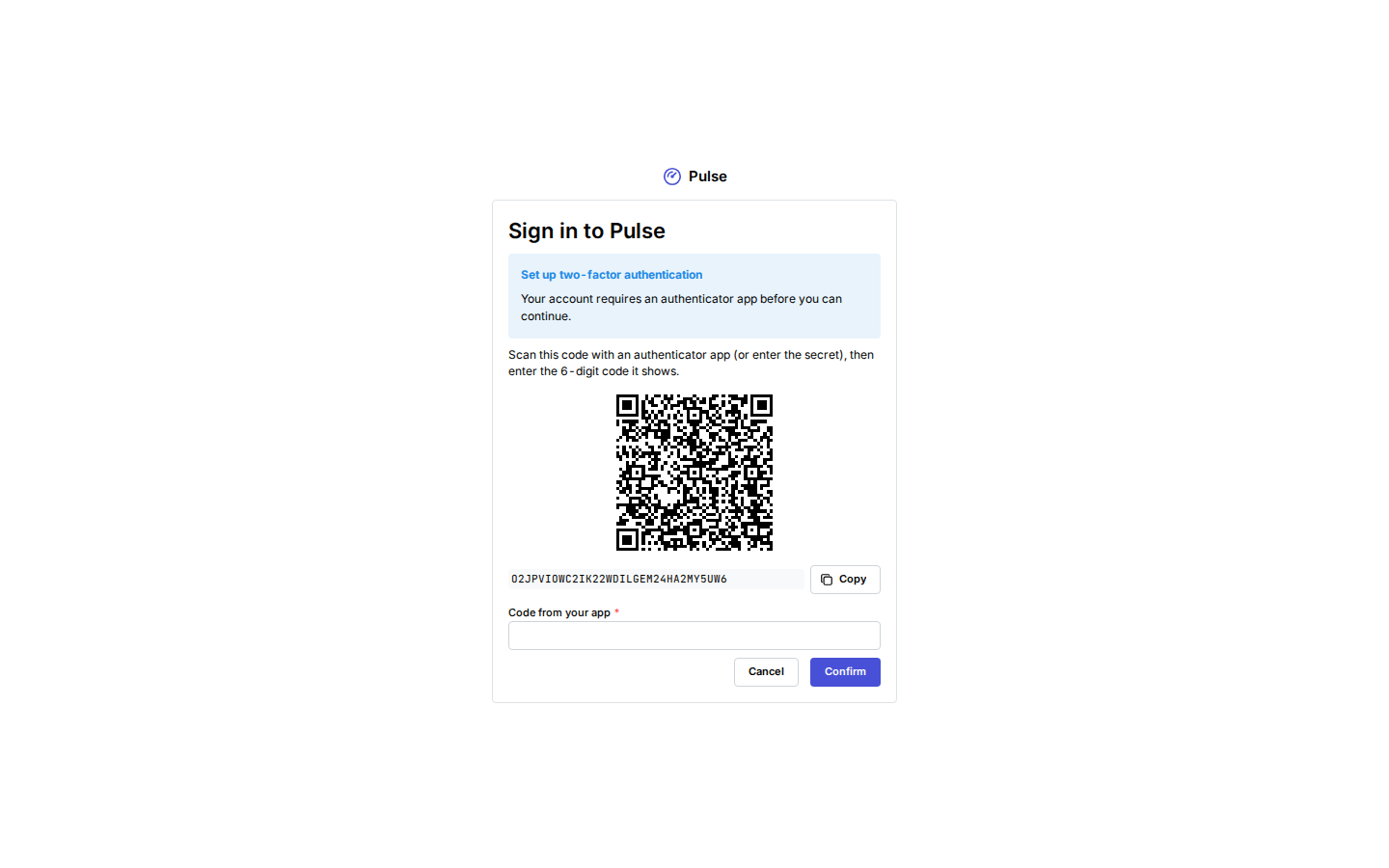
Administrators and operators enroll TOTP at their first password sign-in: scan the QR code, enter a code and save the recovery codes.
The user menu (top right) has your Account page: change your password, enroll or replace TOTP, new recovery codes, your sessions, linked SSO identities, and personal access tokens for the CLI and for automation such as Terraform (optionally limited to source networks). See Users and single sign-on.
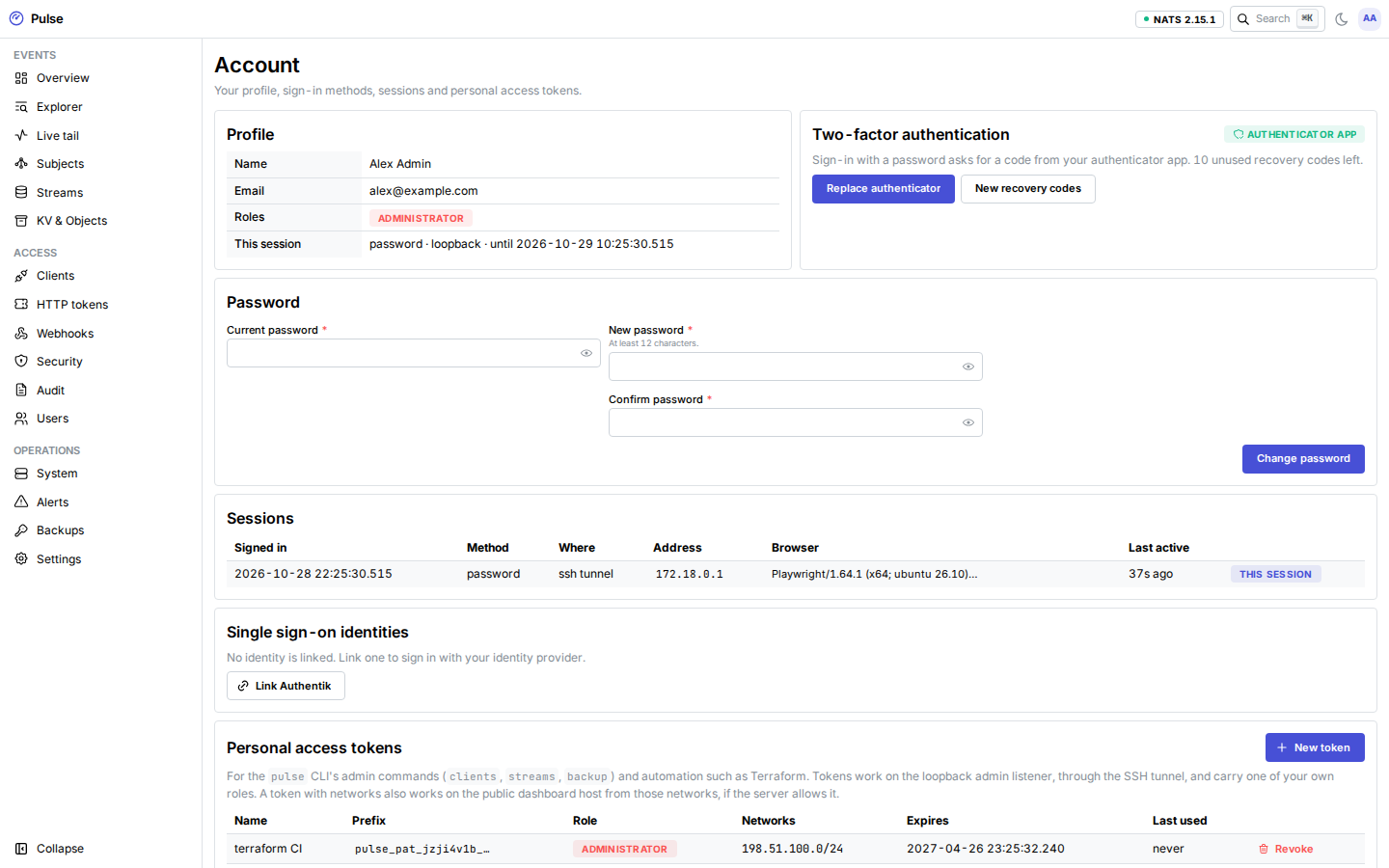
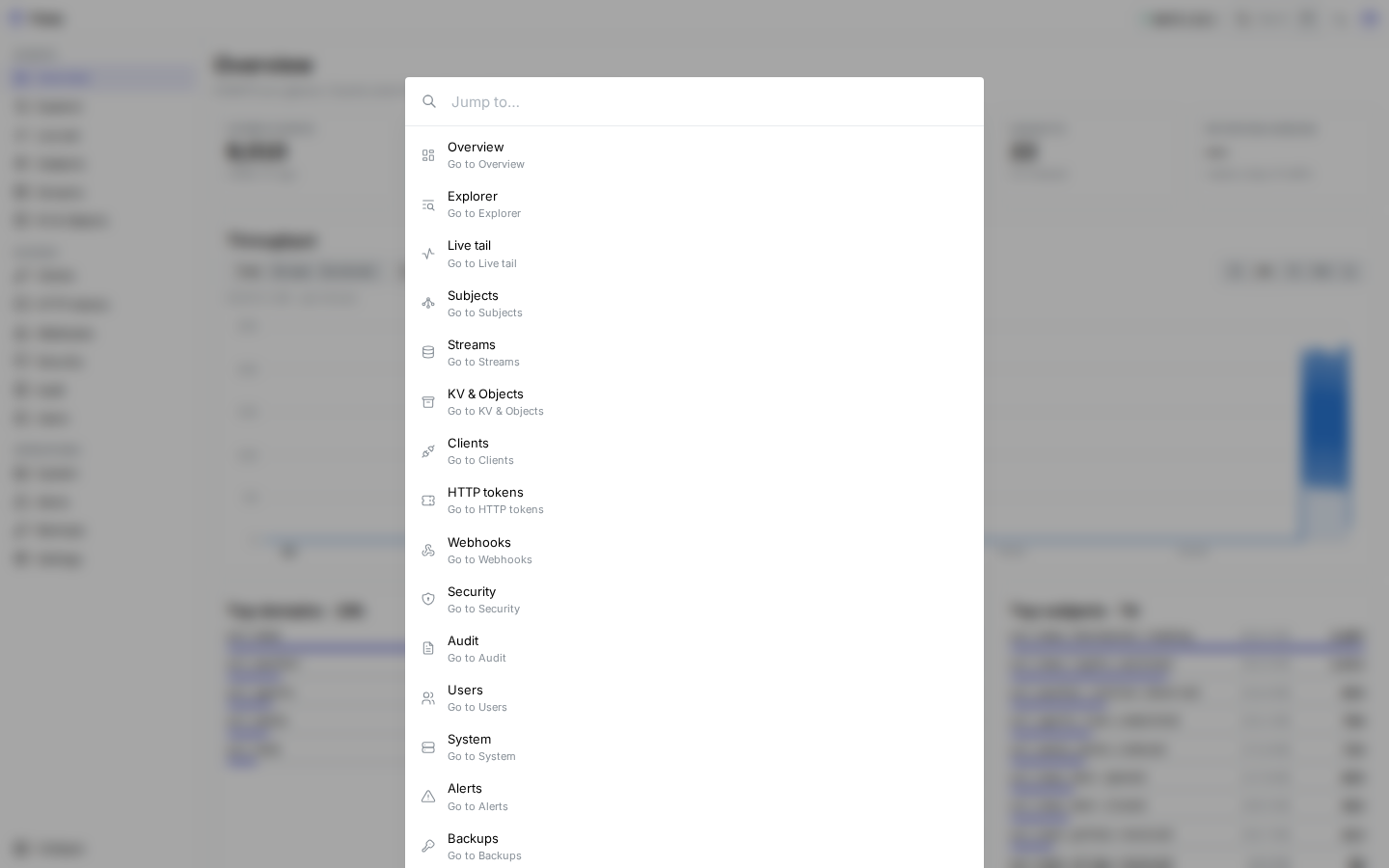
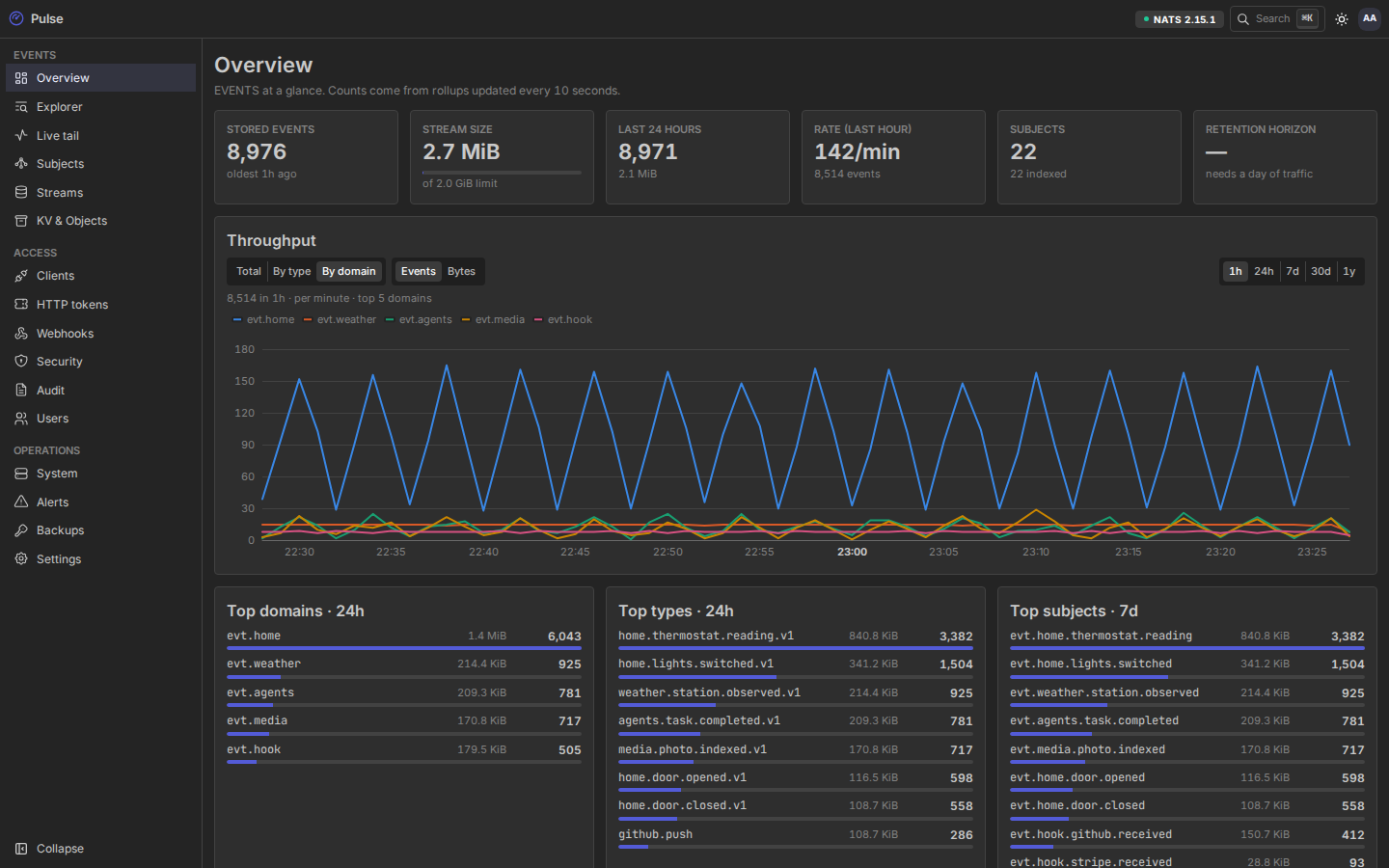
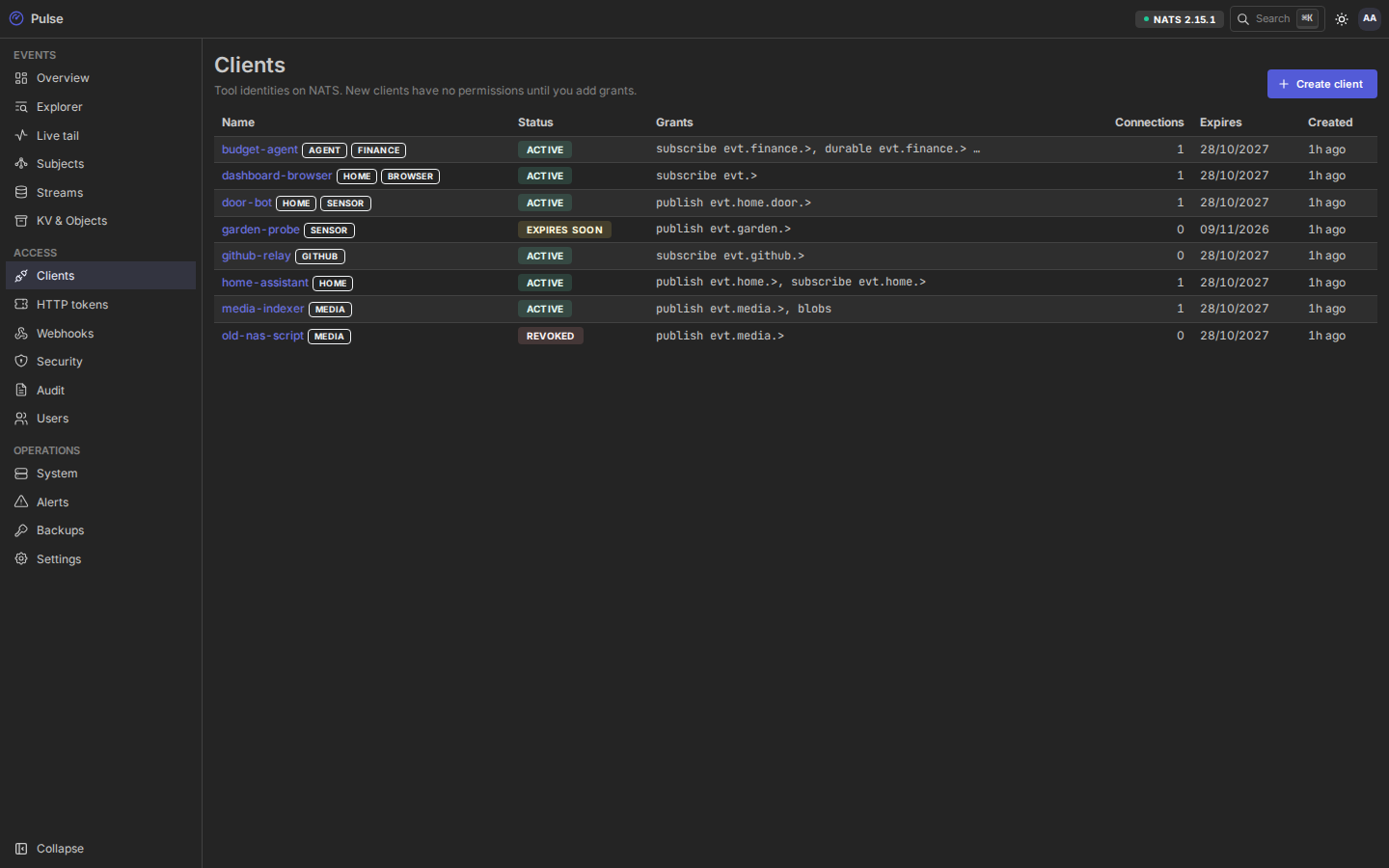
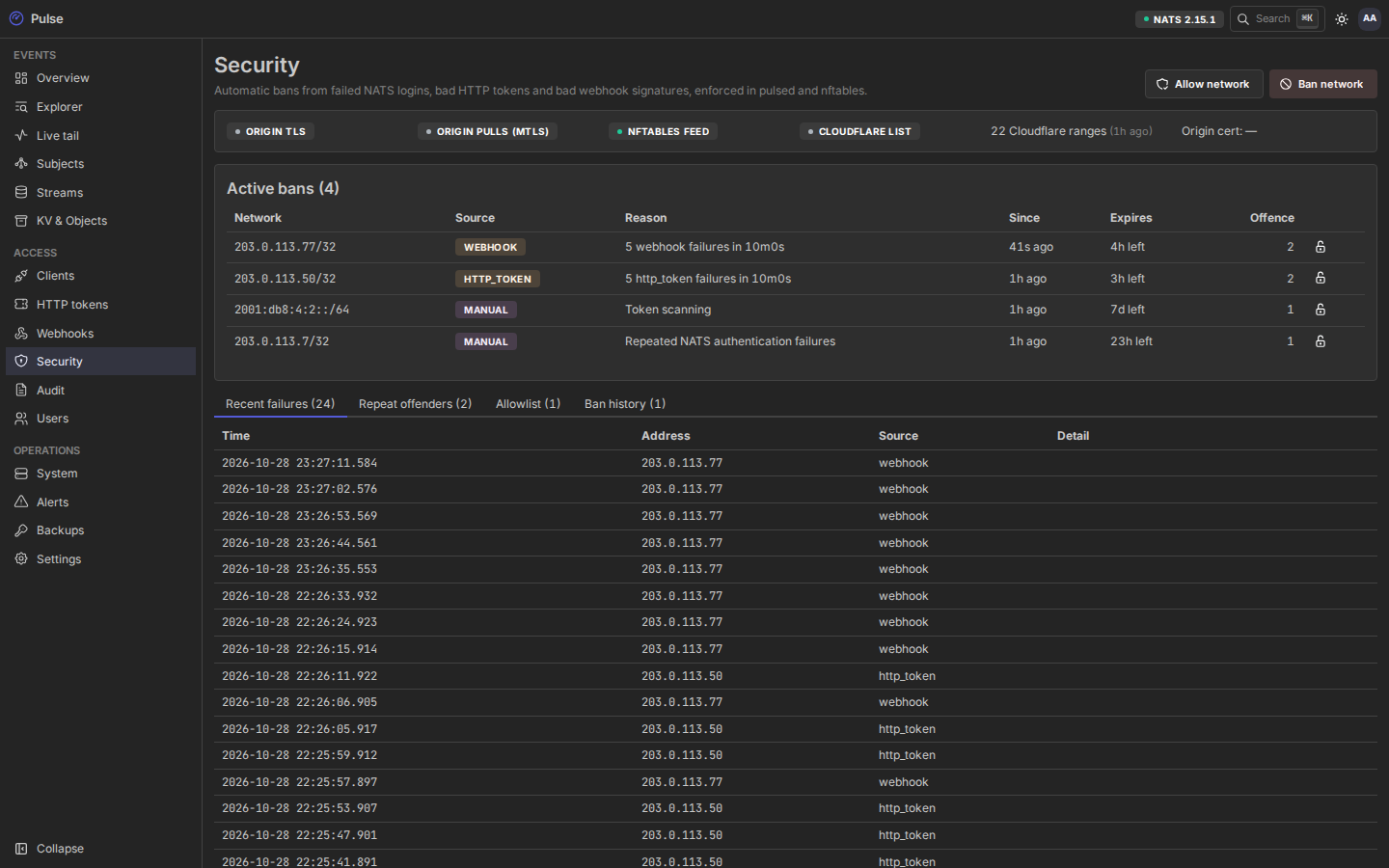
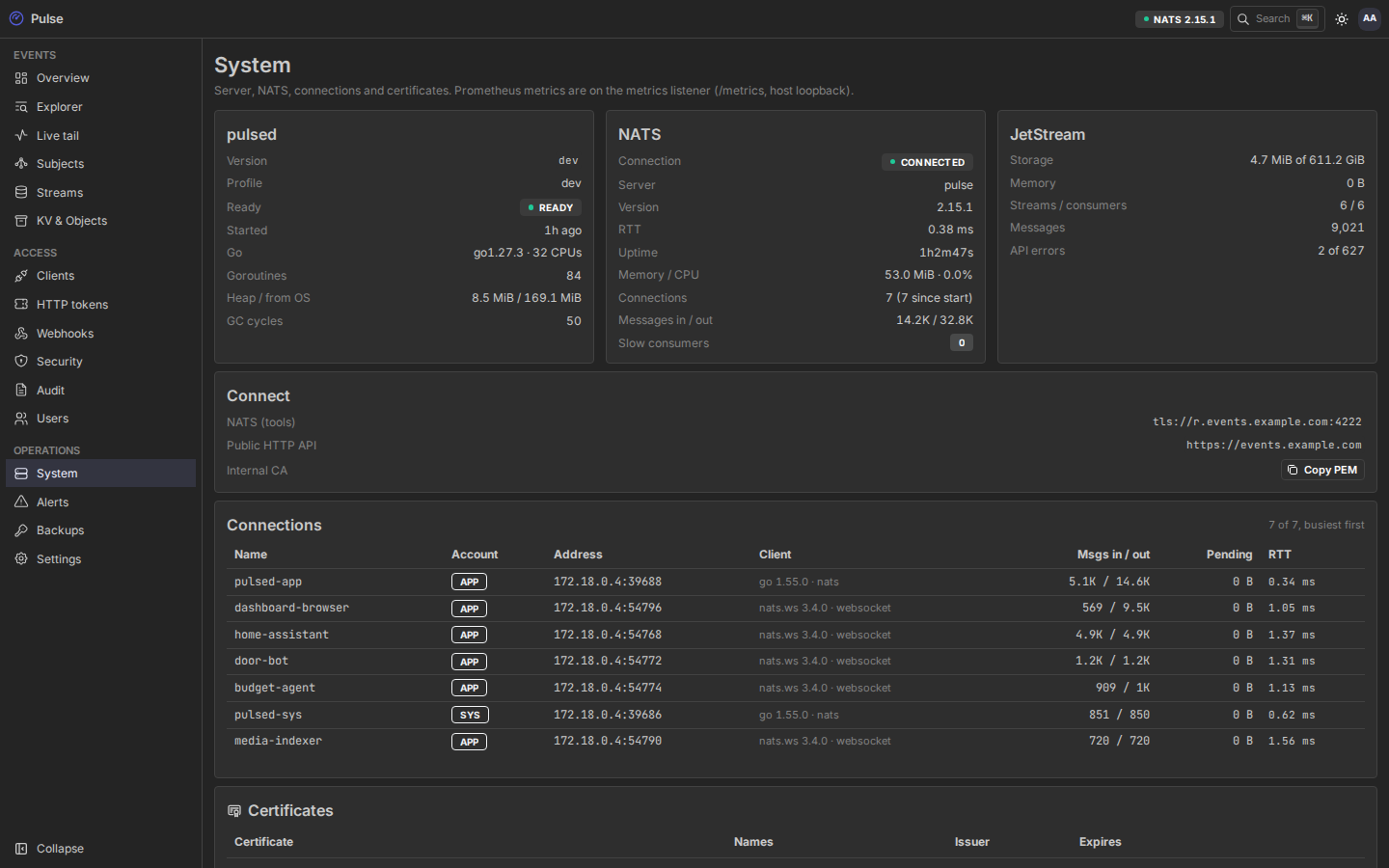
The sidebar has three groups: Events, Access and Operations. Press ⌘K / Ctrl K (or /) to jump to any page. The theme follows your system, or switch it in the header; the header also shows whether pulsed is connected to NATS.
Events
Overview
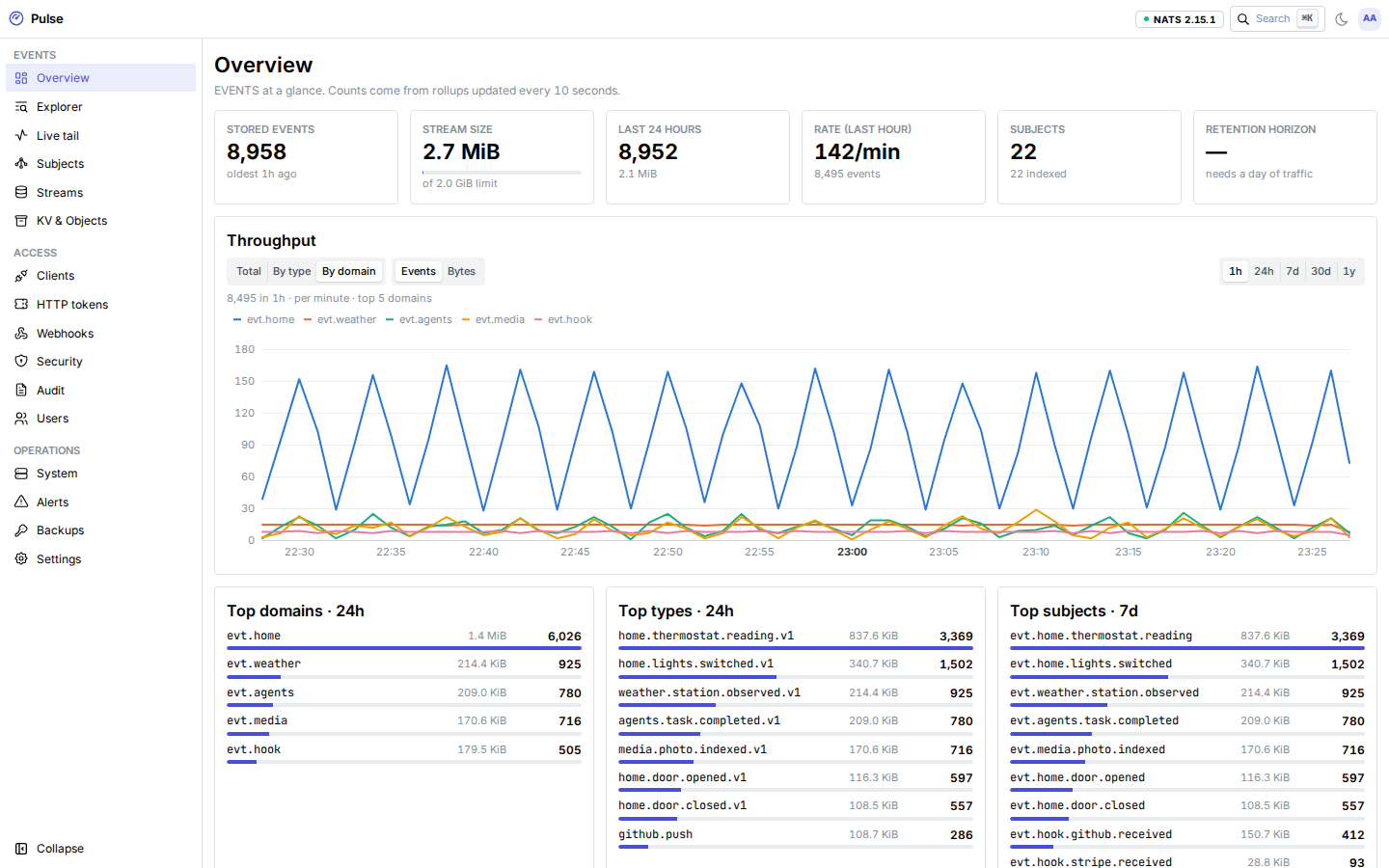
Stored events and the oldest one, stream size against its limit, the last 24 hours, the current rate, and the retention horizon: how much history fits in max_bytes at the current daily volume (meaningful after a day of traffic). Below that: a throughput chart (1 h, 24 h, 7 d, 30 d, 1 y; by total, type or subject prefix), the top domains and types of the last 24 hours, and the disk forecast. Counts come from rollups updated every 10 seconds. Click a domain or type to open it in the Explorer.
Explorer
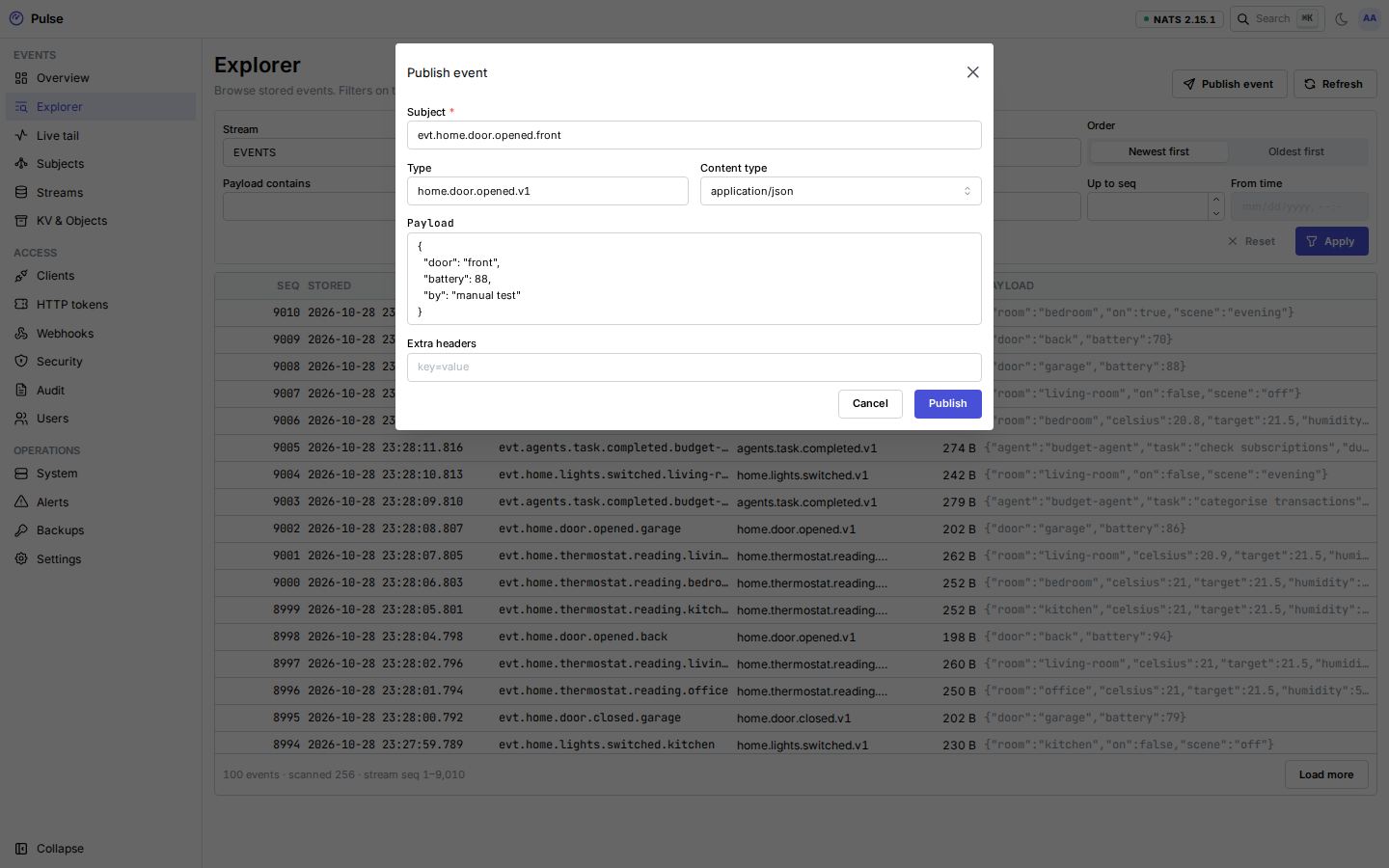
Browse stored events in any stream, newest or oldest first, by subject filters, type (or (untyped)), headers, payload text or a JSON path and value, from a sequence or a time. Filters on type, headers and payload run in pulsed within a scan budget (50,000 messages, 64 MB or 3 seconds per page); when the budget runs out, Continue scan picks up where it stopped. The URL holds the filters, so a view can be bookmarked. Publish event sends one event as the operator.
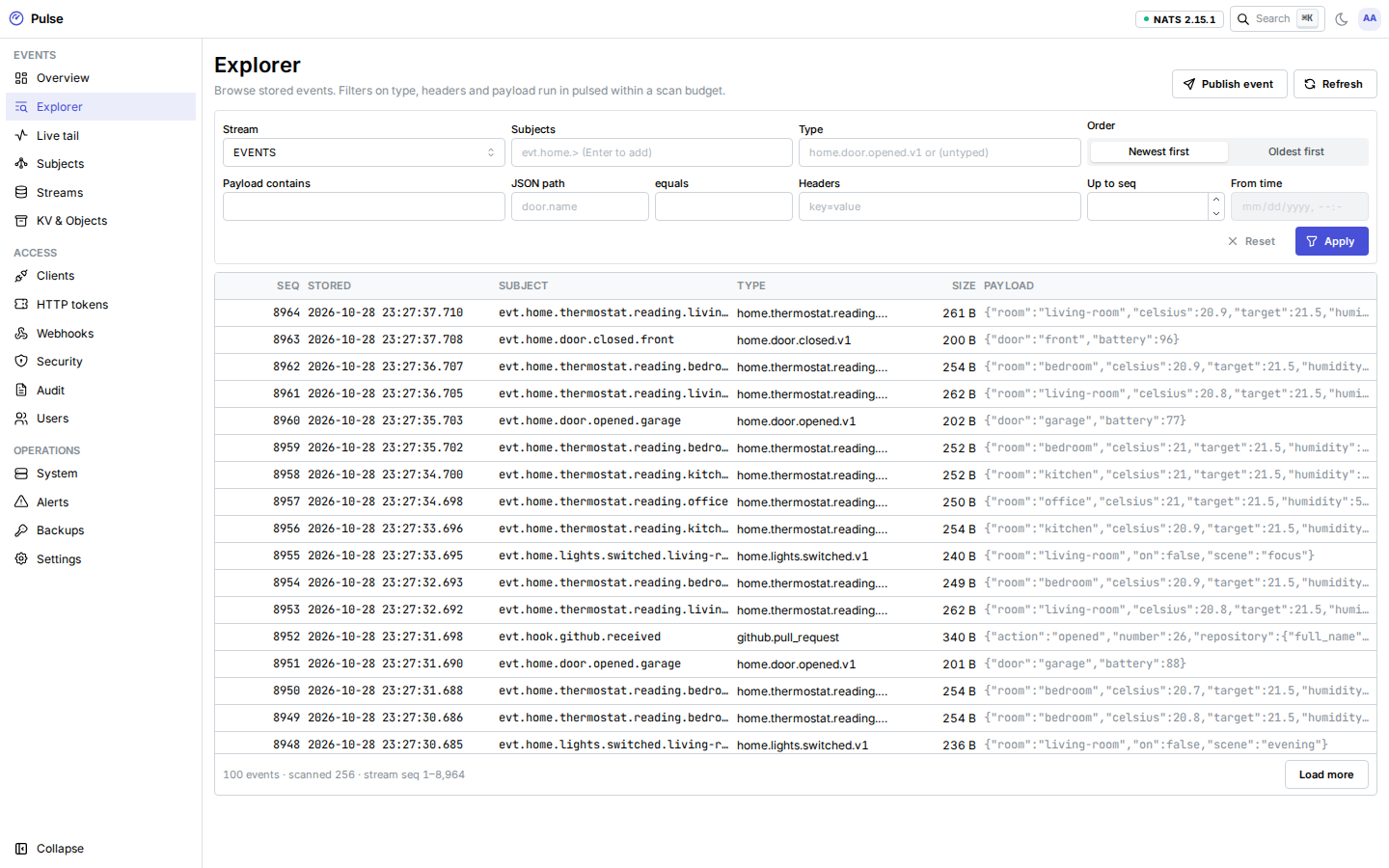
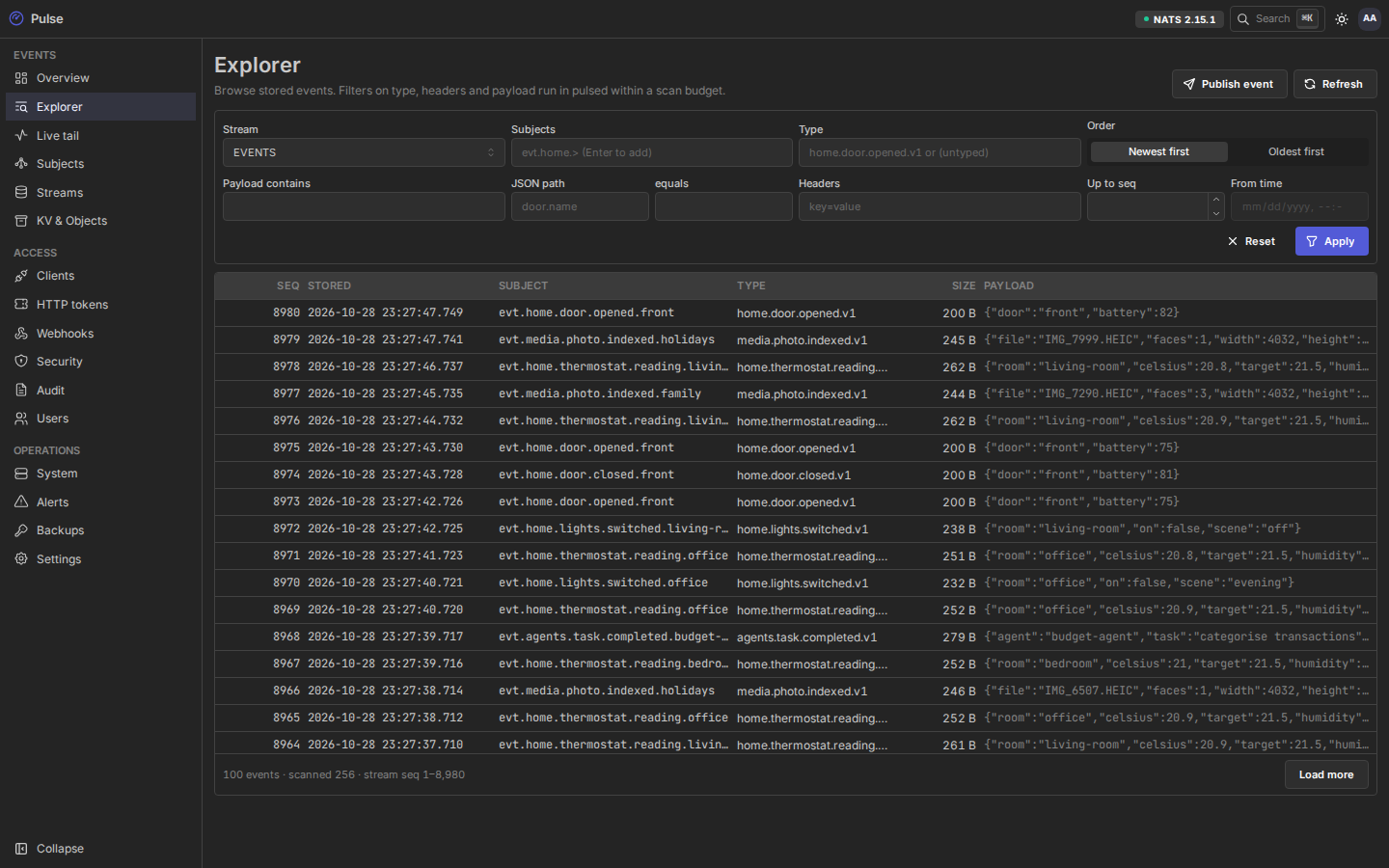
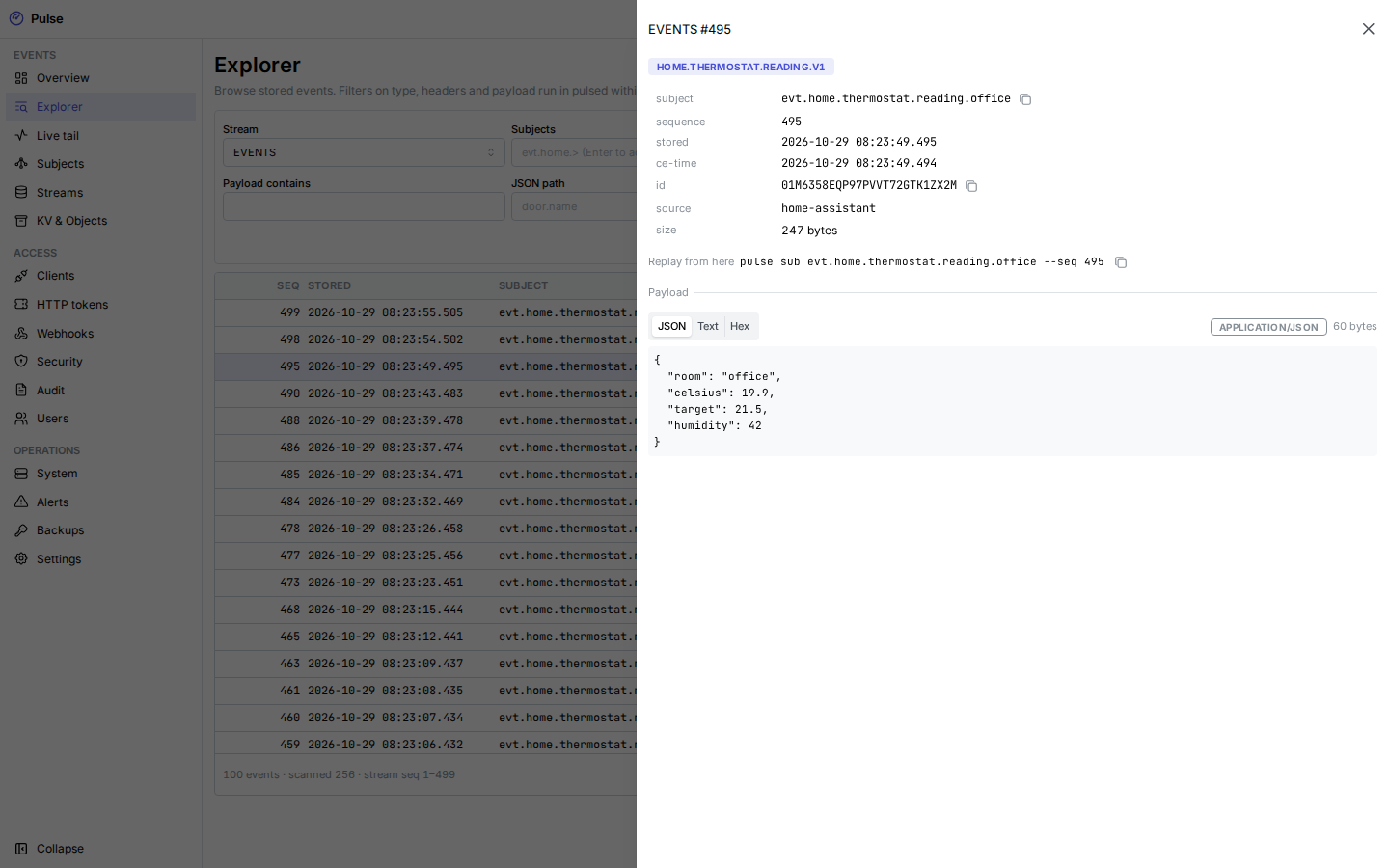
Click a row for the event's envelope, headers and payload.
Live tail
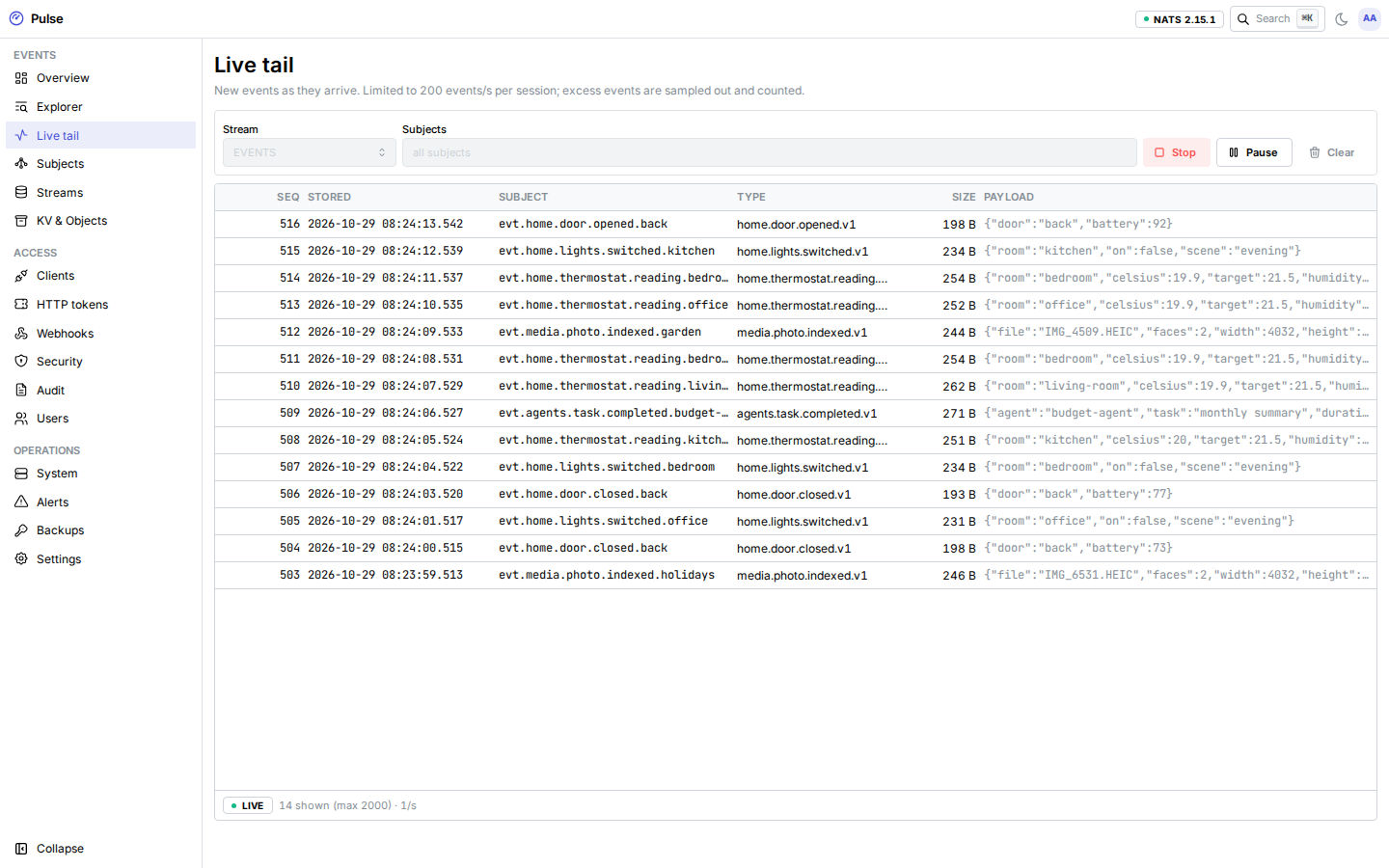
New events as they arrive, filtered by subject. Each session is limited to 200 events per second; excess events are sampled out and counted, and the Explorer still has every stored event. At most 10 tail sessions run at once.
Subjects
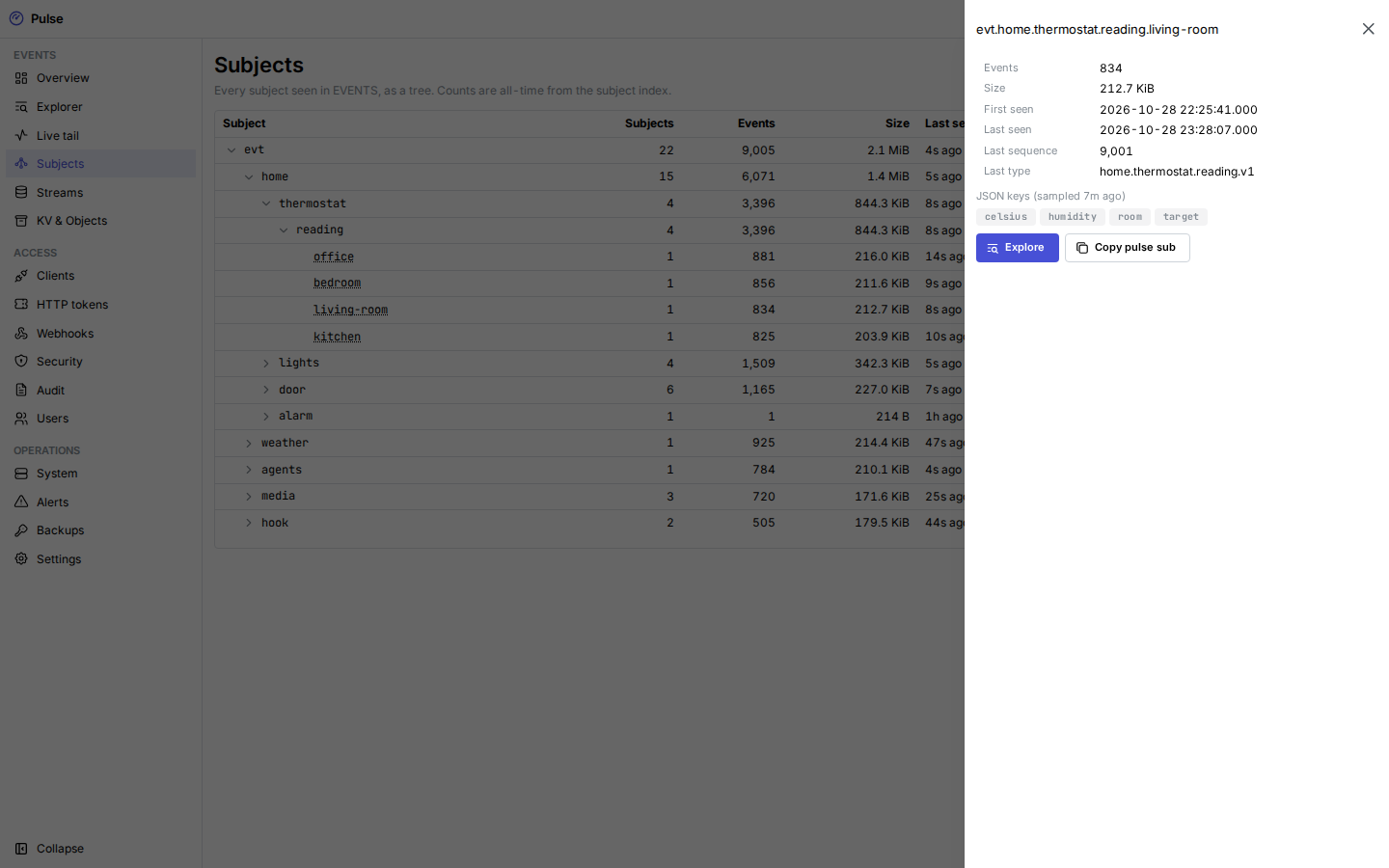
Every subject seen in EVENTS as a tree, with all-time counts, first and last seen, the last type, and JSON keys sampled from payloads. The index holds up to 50,000 subjects.
Streams
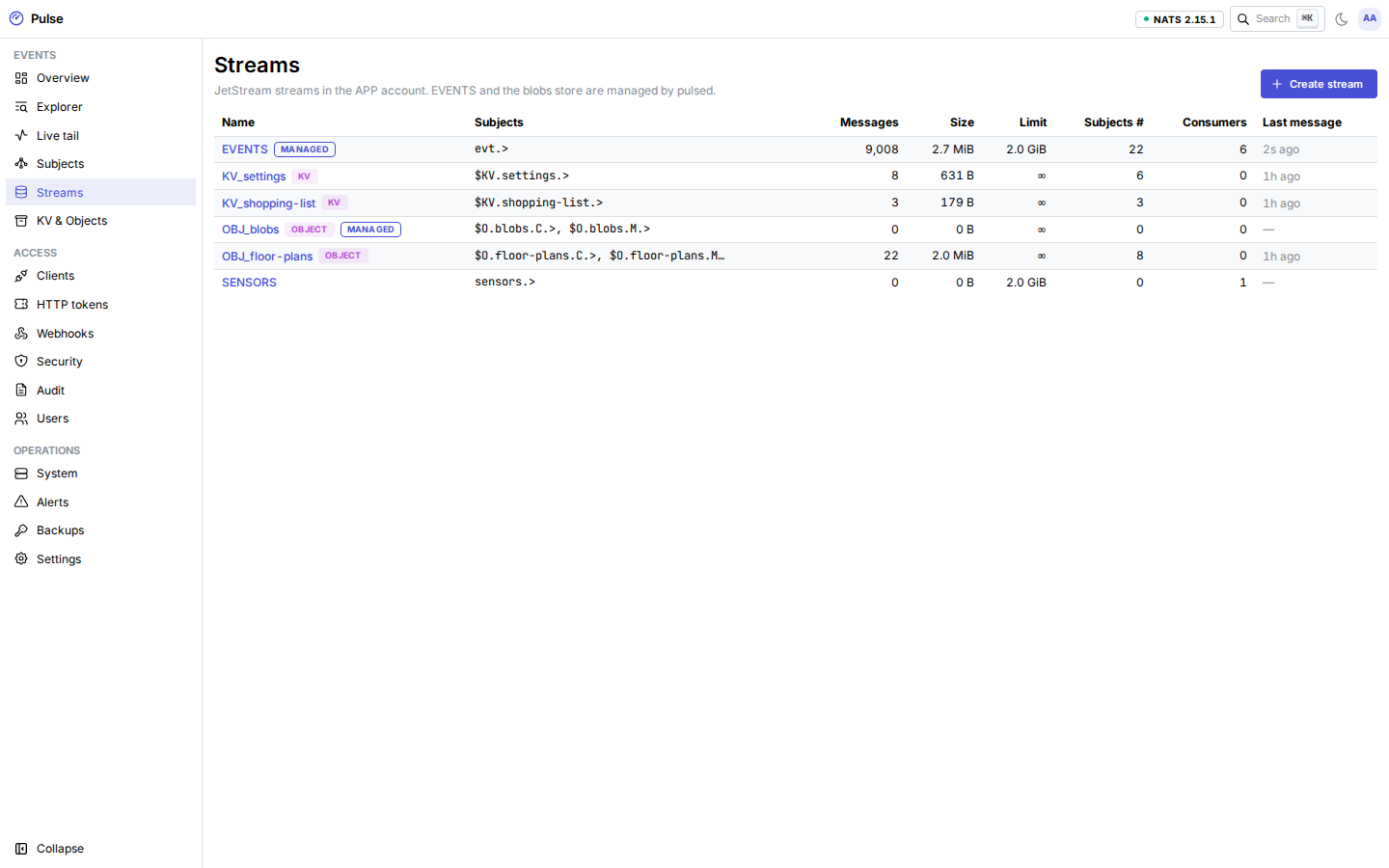
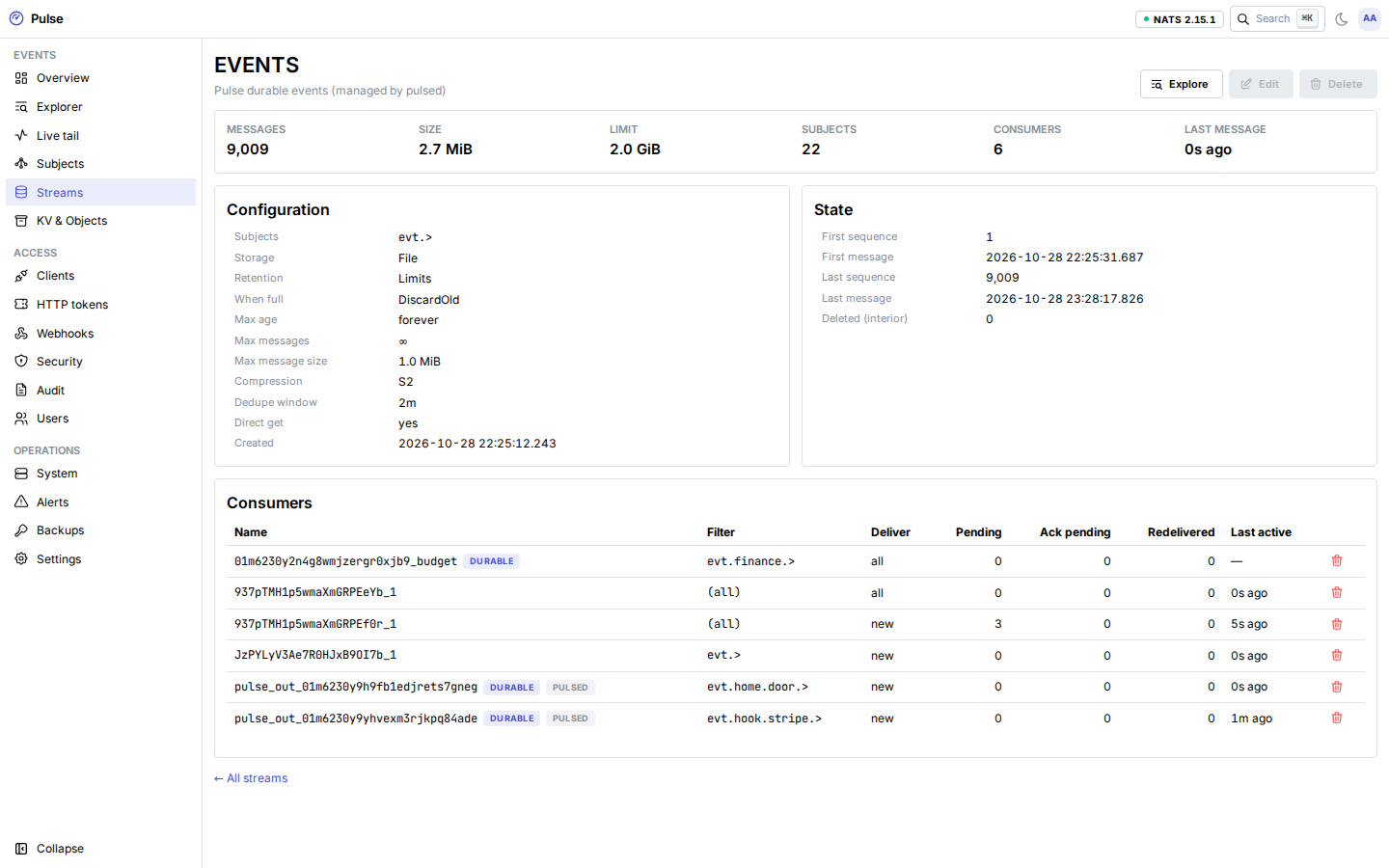
The streams in the APP account with size, message count, limits and consumers (pending, ack pending, redeliveries). EVENTS and blobs are managed by pulsed; you can create, edit and delete your own streams for subjects outside evt.>, and delete stale consumers. See Streams, KV and objects.
Click a stream for its configuration, state and consumers.
KV & Objects
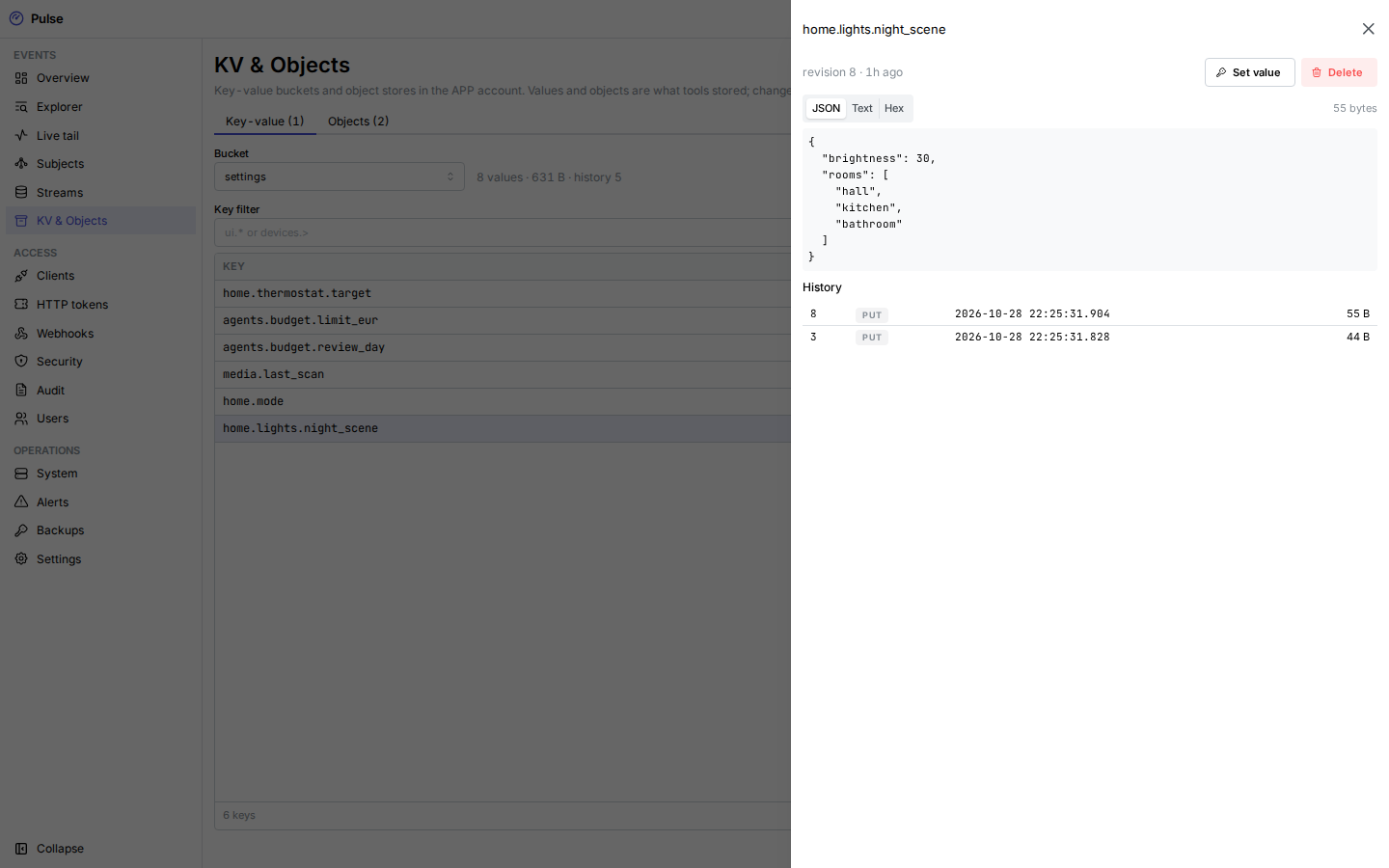
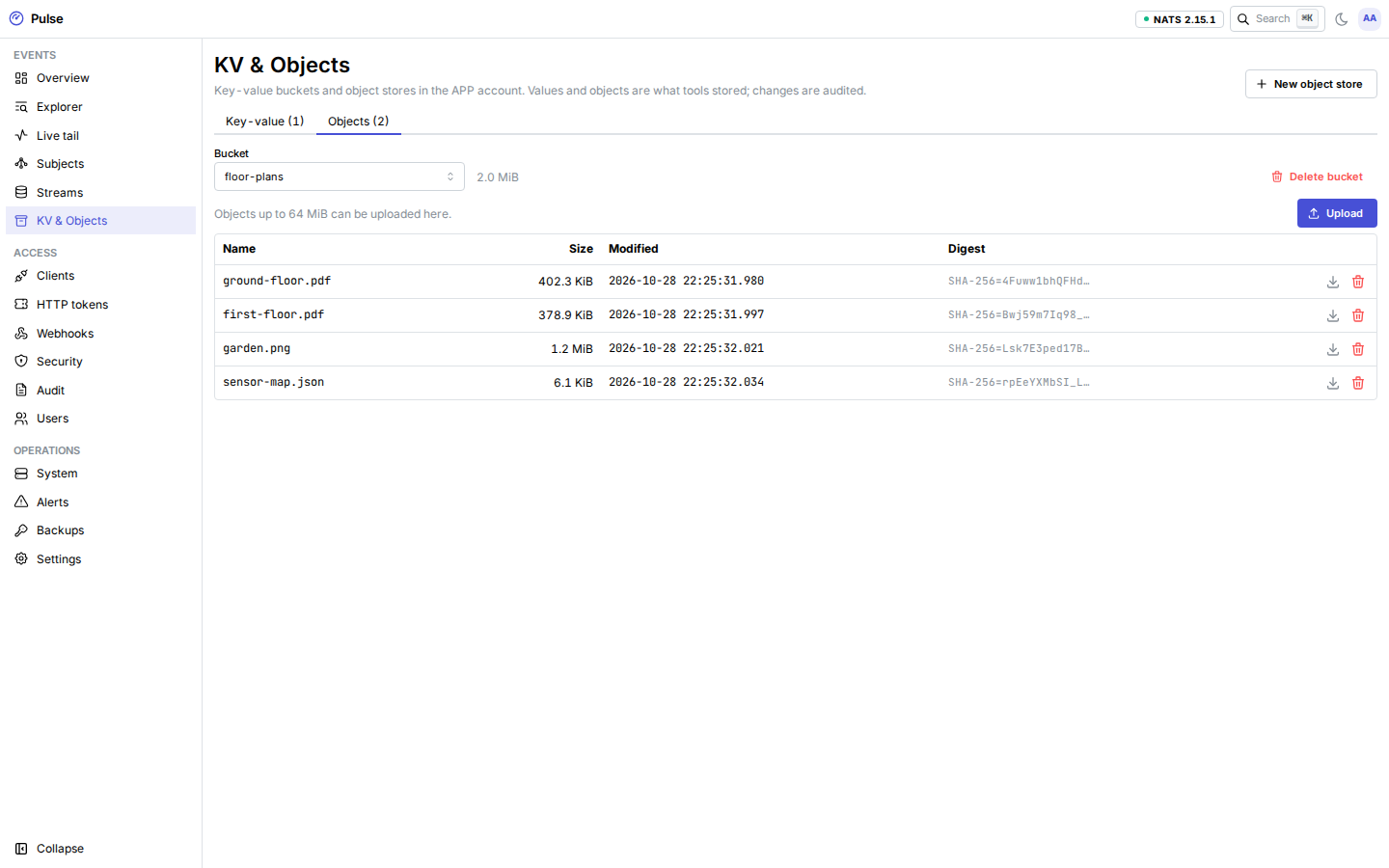
Browse and edit key-value buckets (latest value and history per key) and object stores (upload, download, delete). The managed blobs store is read-only here.
Access
Clients
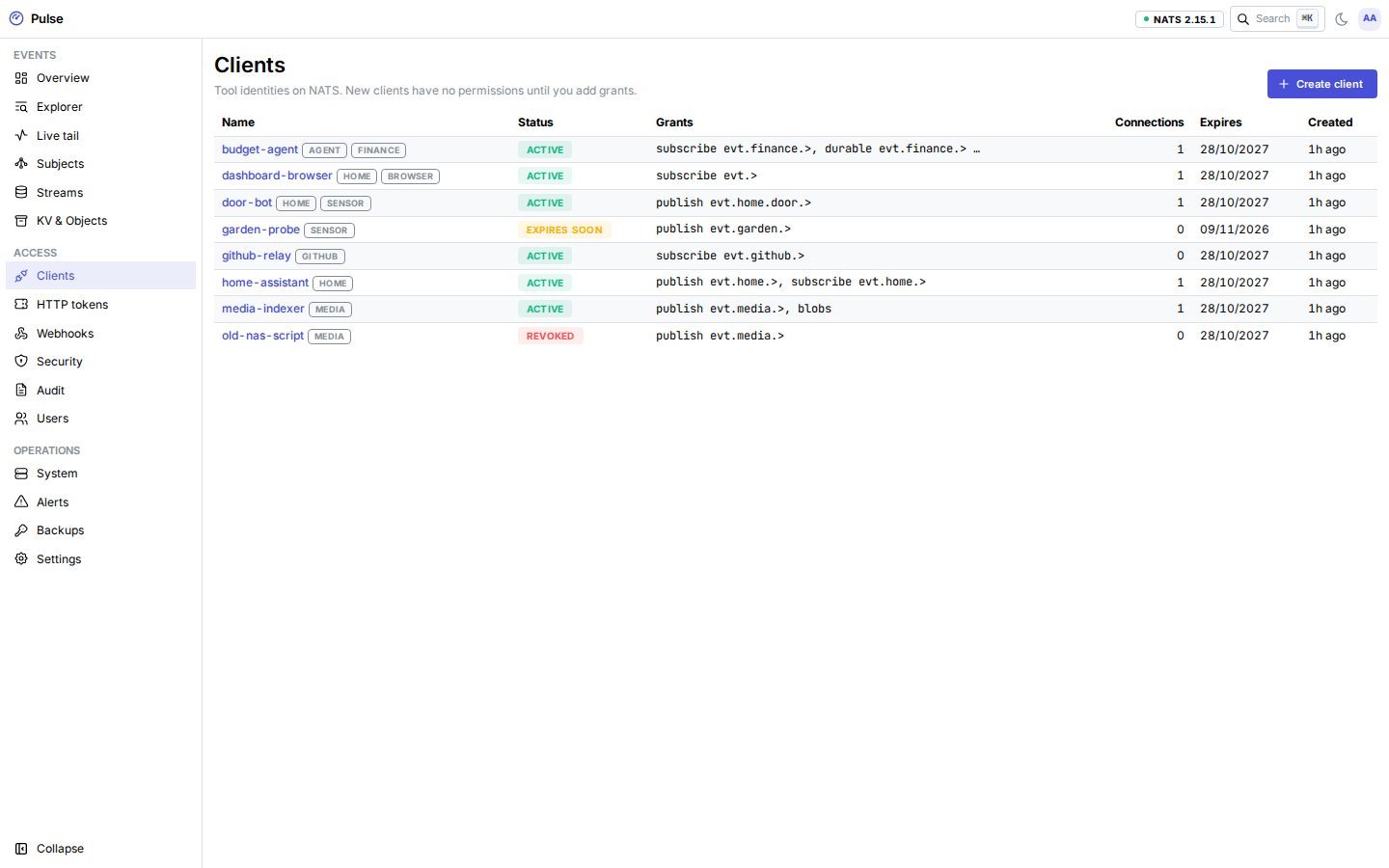
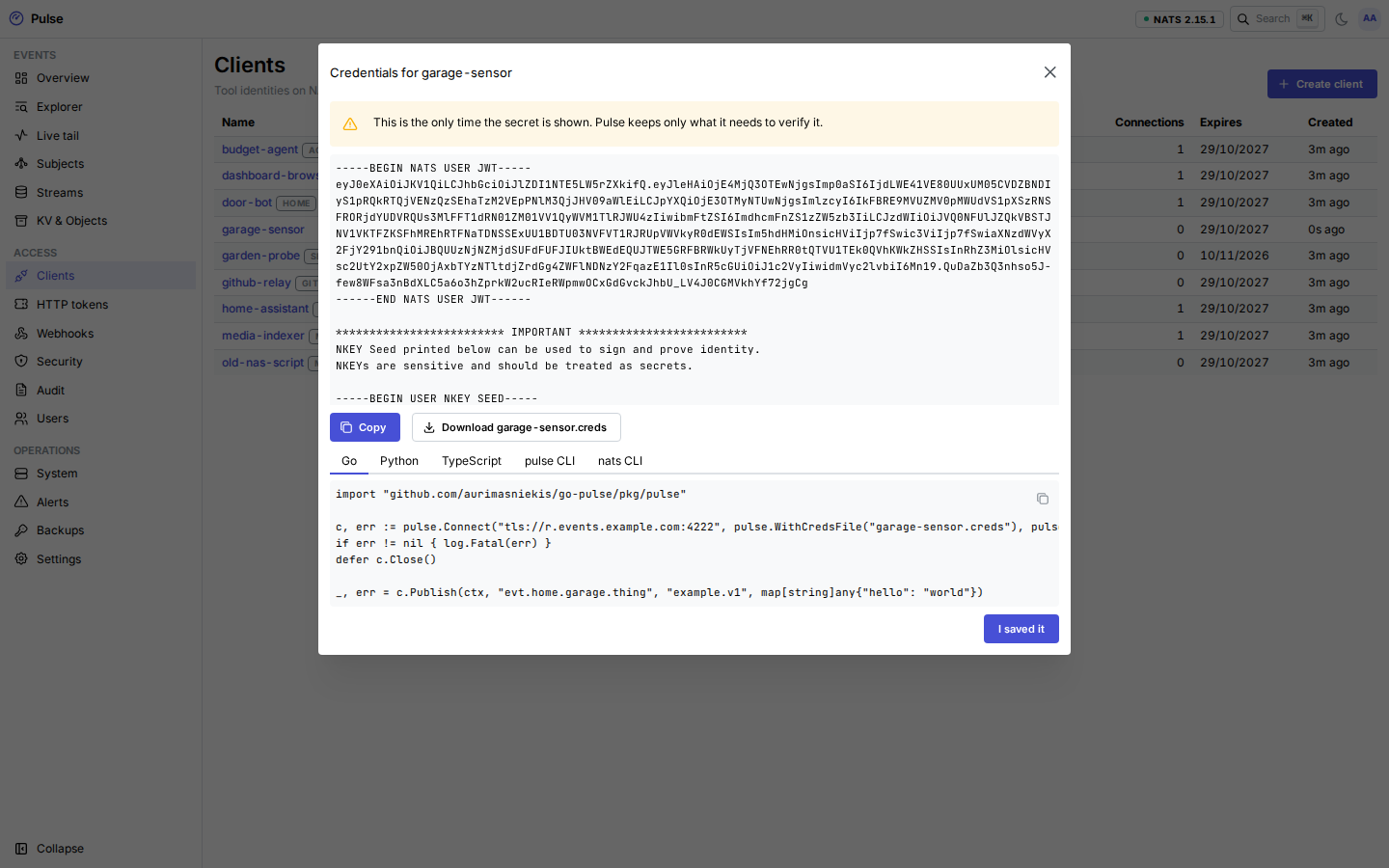
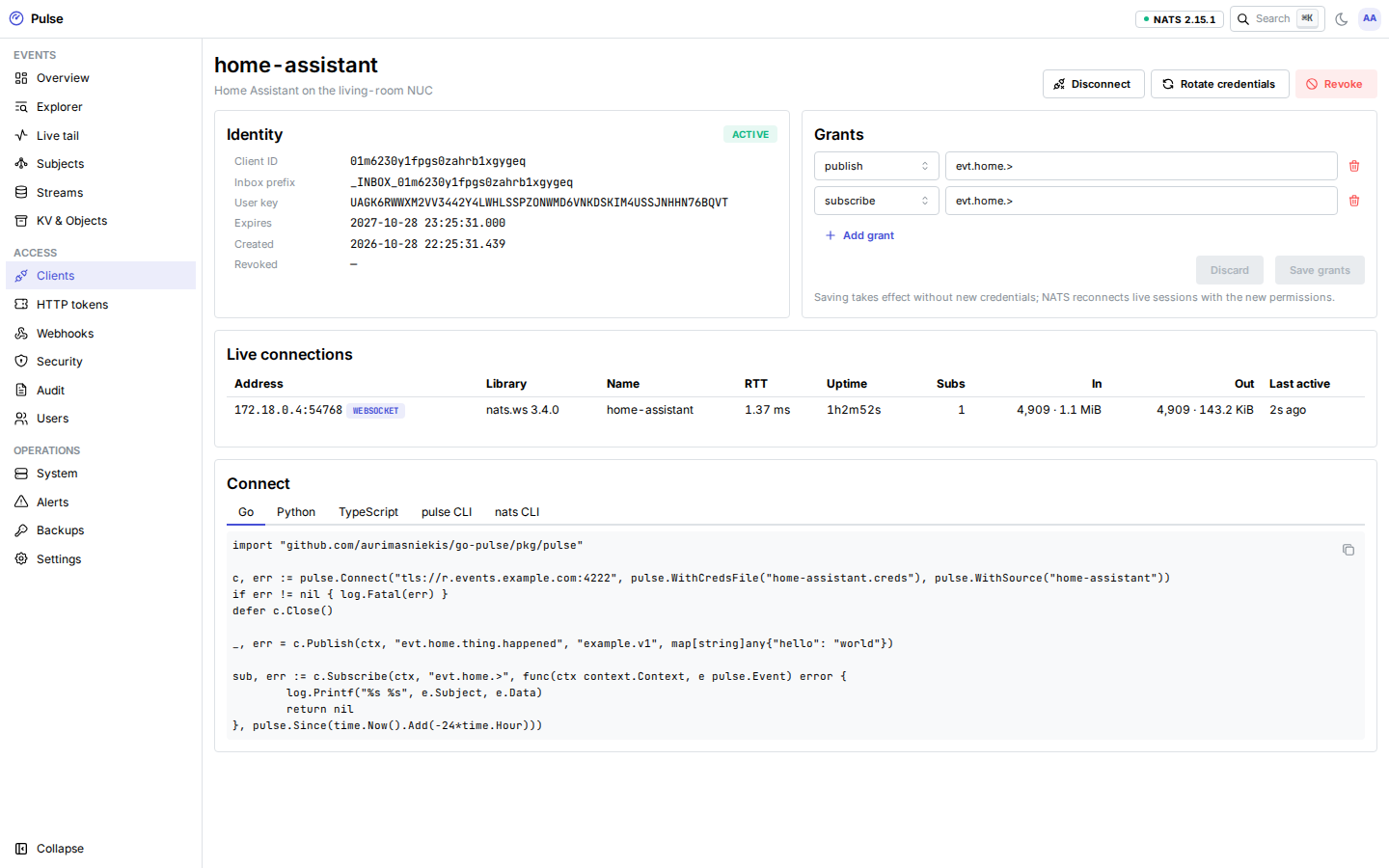
Tool identities on NATS: grants, status, expiry, tags and live connections. Create a client, edit its grants without new credentials, rotate (new .creds, old ones revoked), revoke permanently, or Disconnect its live connections. New .creds are shown once with connection snippets.
A client's page has its identity, grants and live connections, with Rotate, Revoke and Disconnect.
HTTP tokens
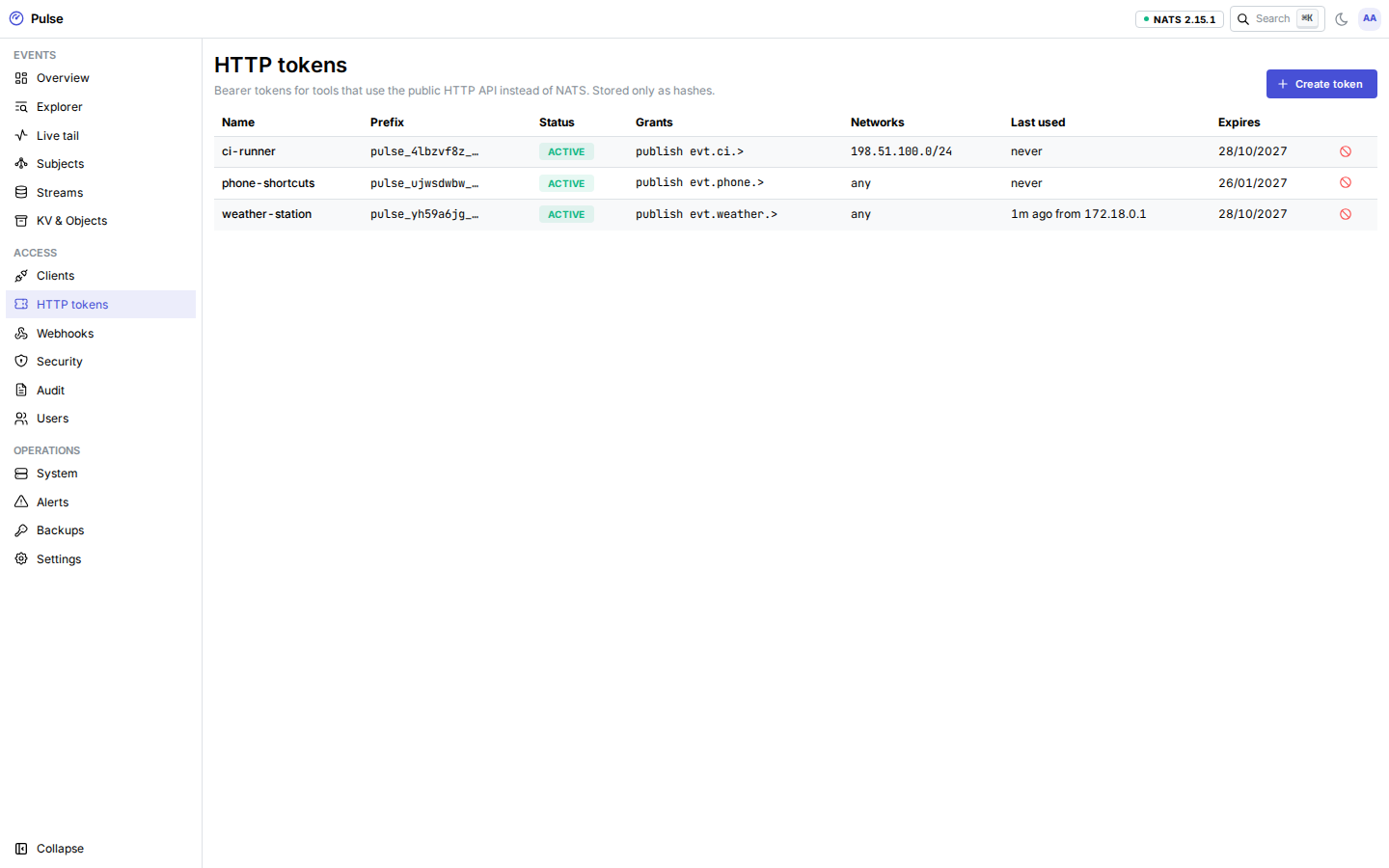
Bearer tokens for tools that use the HTTP API instead of NATS. Each token has its own grants, an expiry and optionally a list of source networks. Tokens are stored only as hashes and shown once.
Webhooks
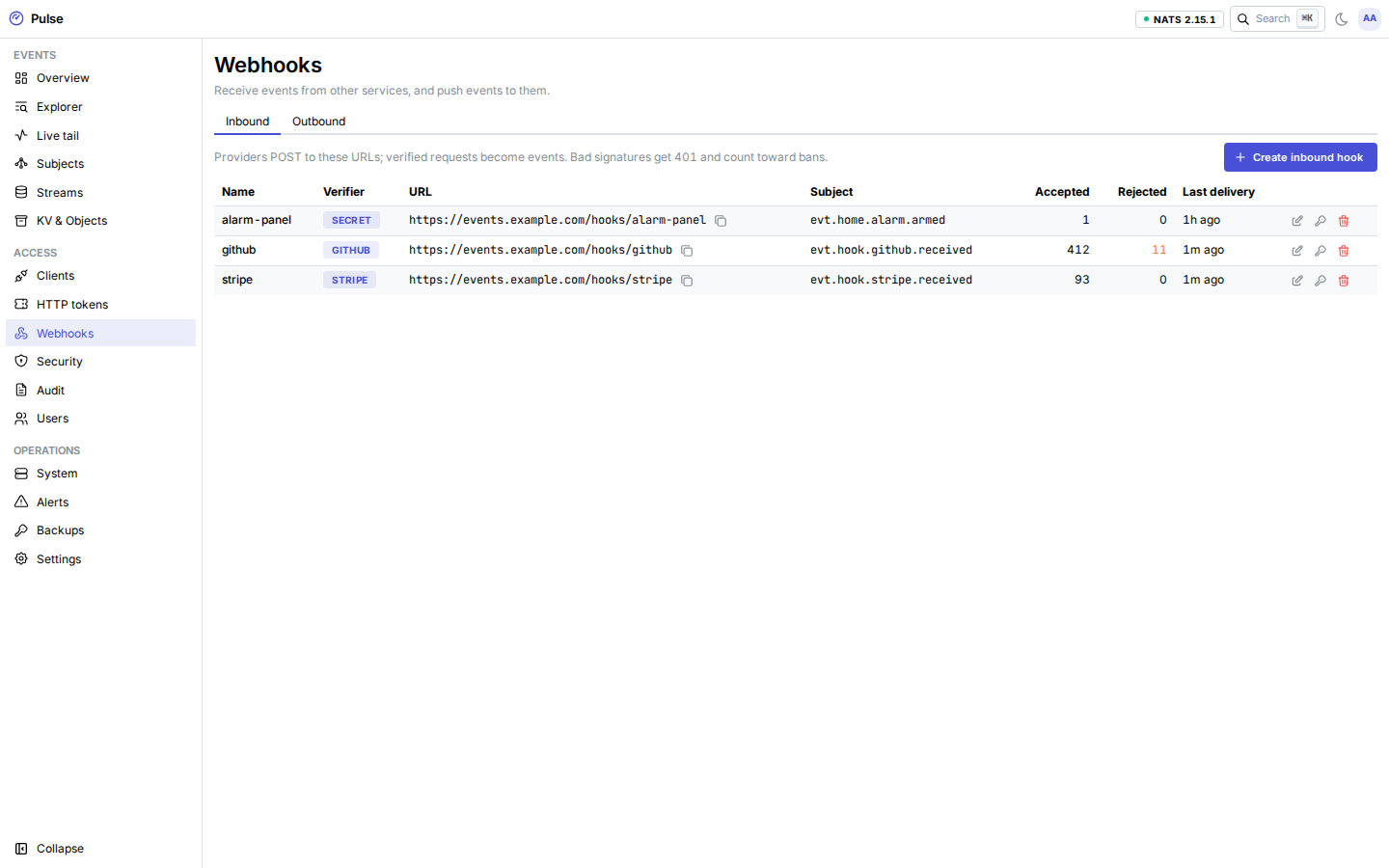
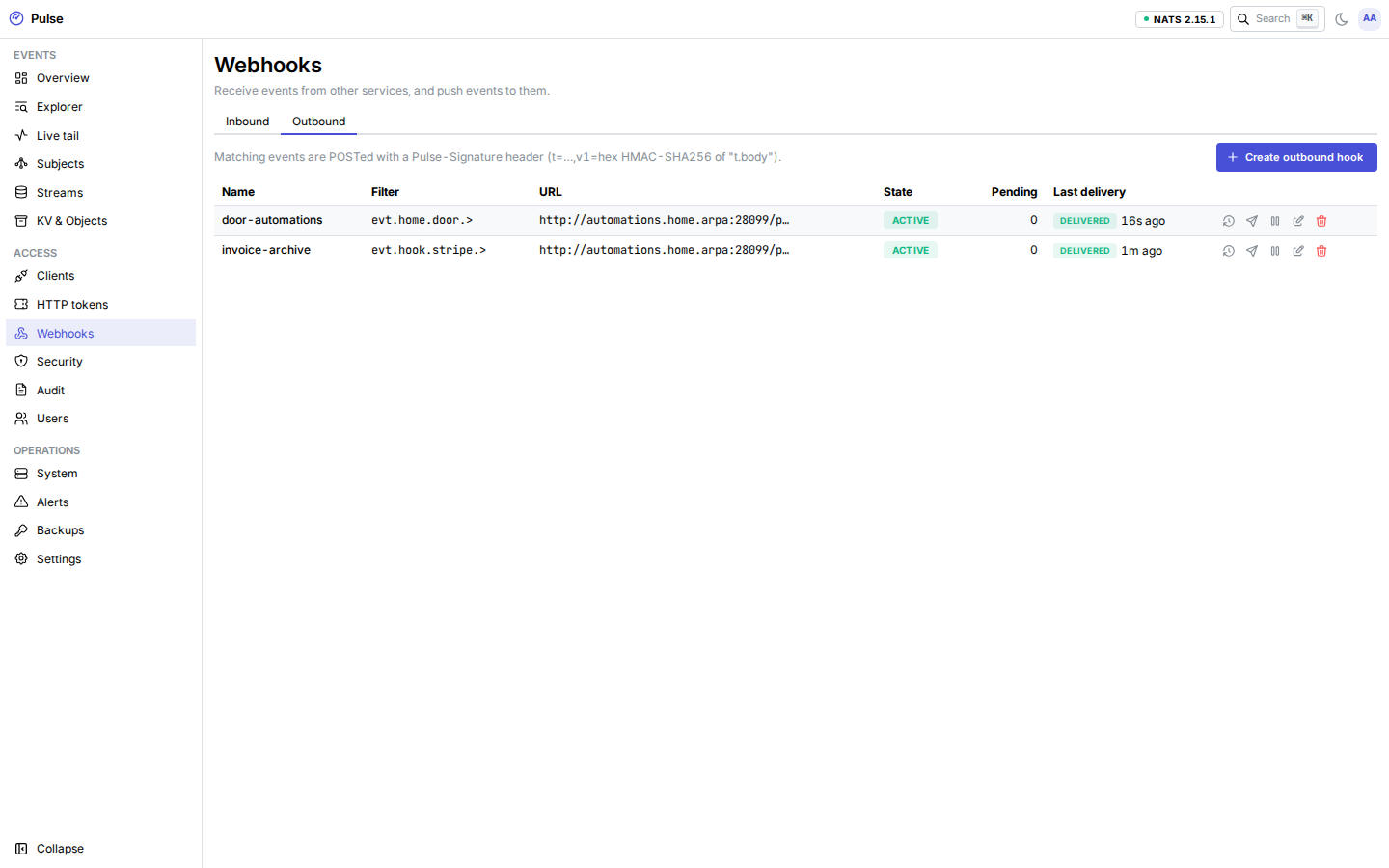
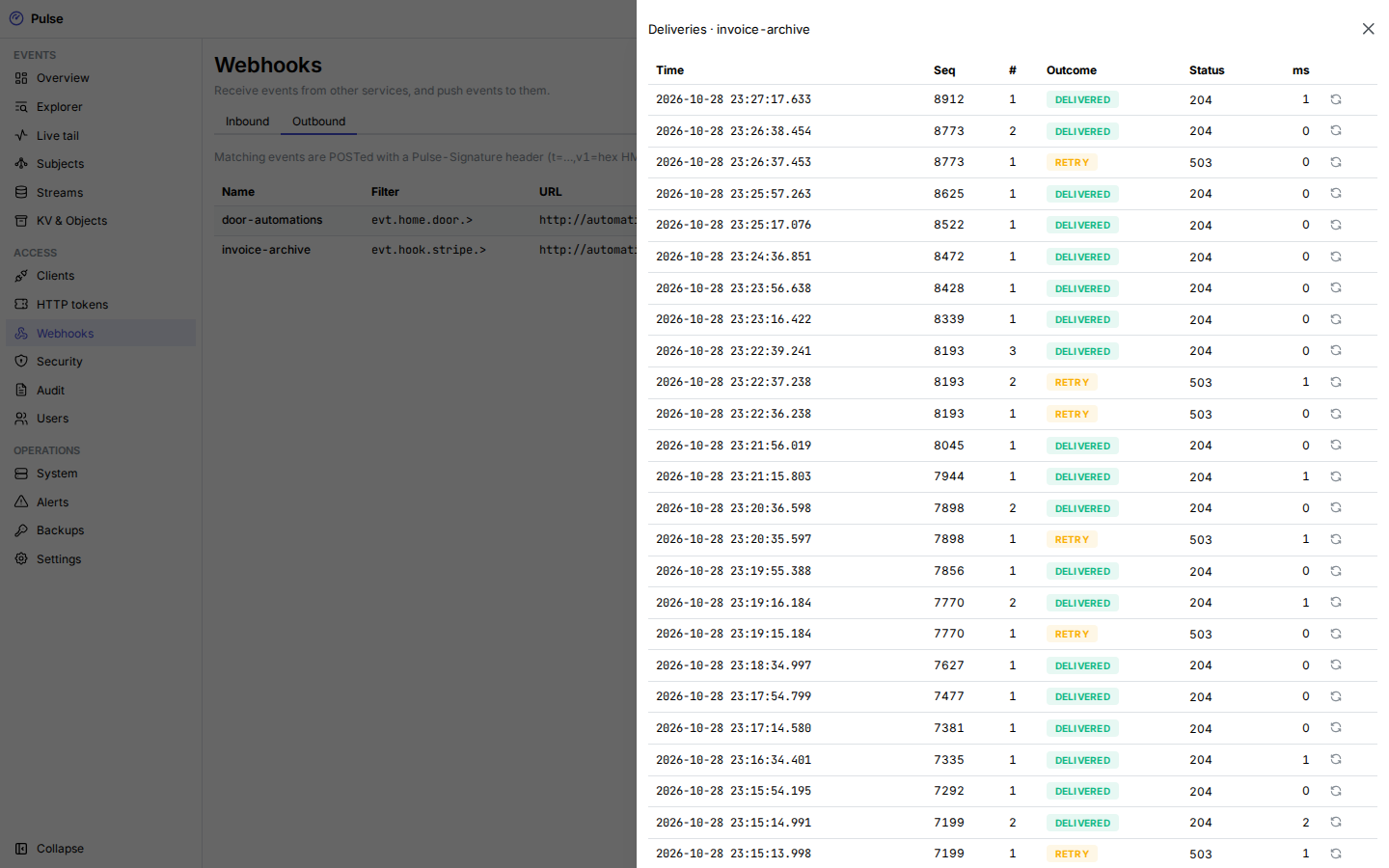
Inbound hooks turn signed requests from GitHub, Stripe or any HMAC sender into events. Outbound hooks deliver events matching a filter to a URL, signed and retried, with a delivery log, pause and resume, test deliveries and manual retries. See Webhooks in and out.
Security
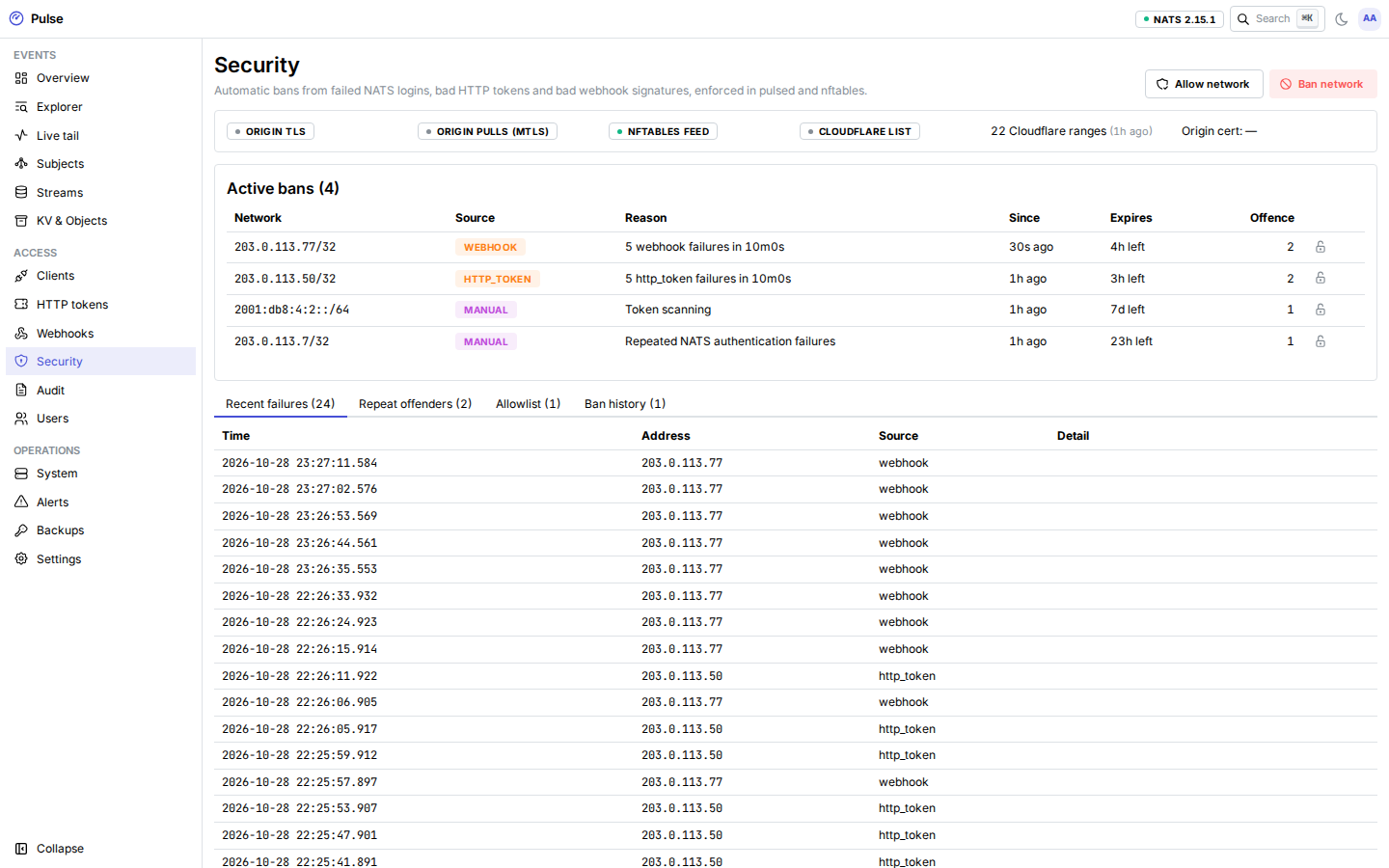
Active bans with their source and expiry, recent authentication failures, repeat offenders, the allowlist (including the built-in never-ban ranges) and the ban history. Ban or lift an address by hand. The edge status shows whether Authenticated Origin Pulls and the Cloudflare ranges are in effect. See Firewall and bans.
Audit
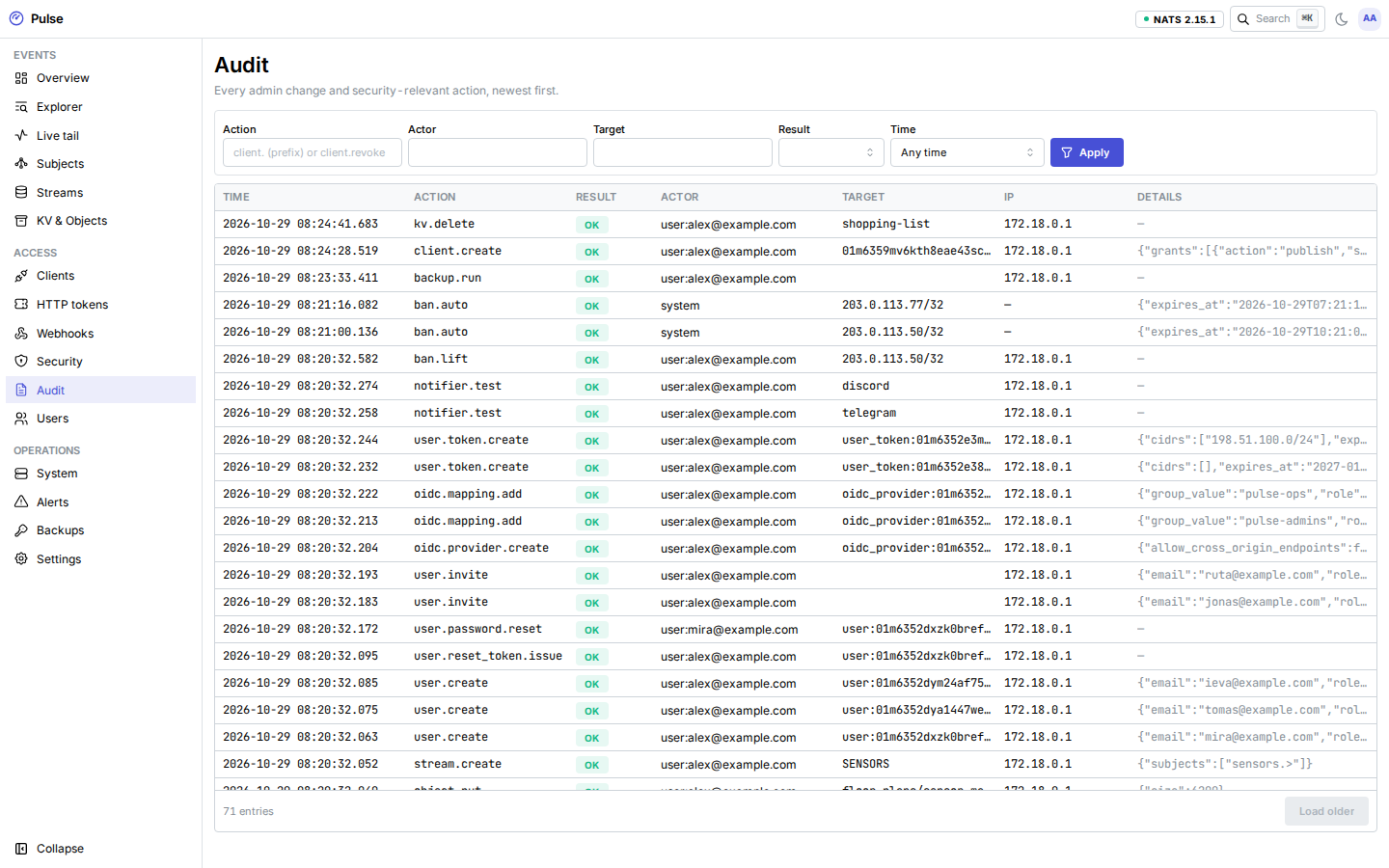
Every admin change and security-relevant action, newest first: who (the actor), what, on which target, and the result. Filter by action (exact or prefix such as client.), actor, target, result and time range.
Users
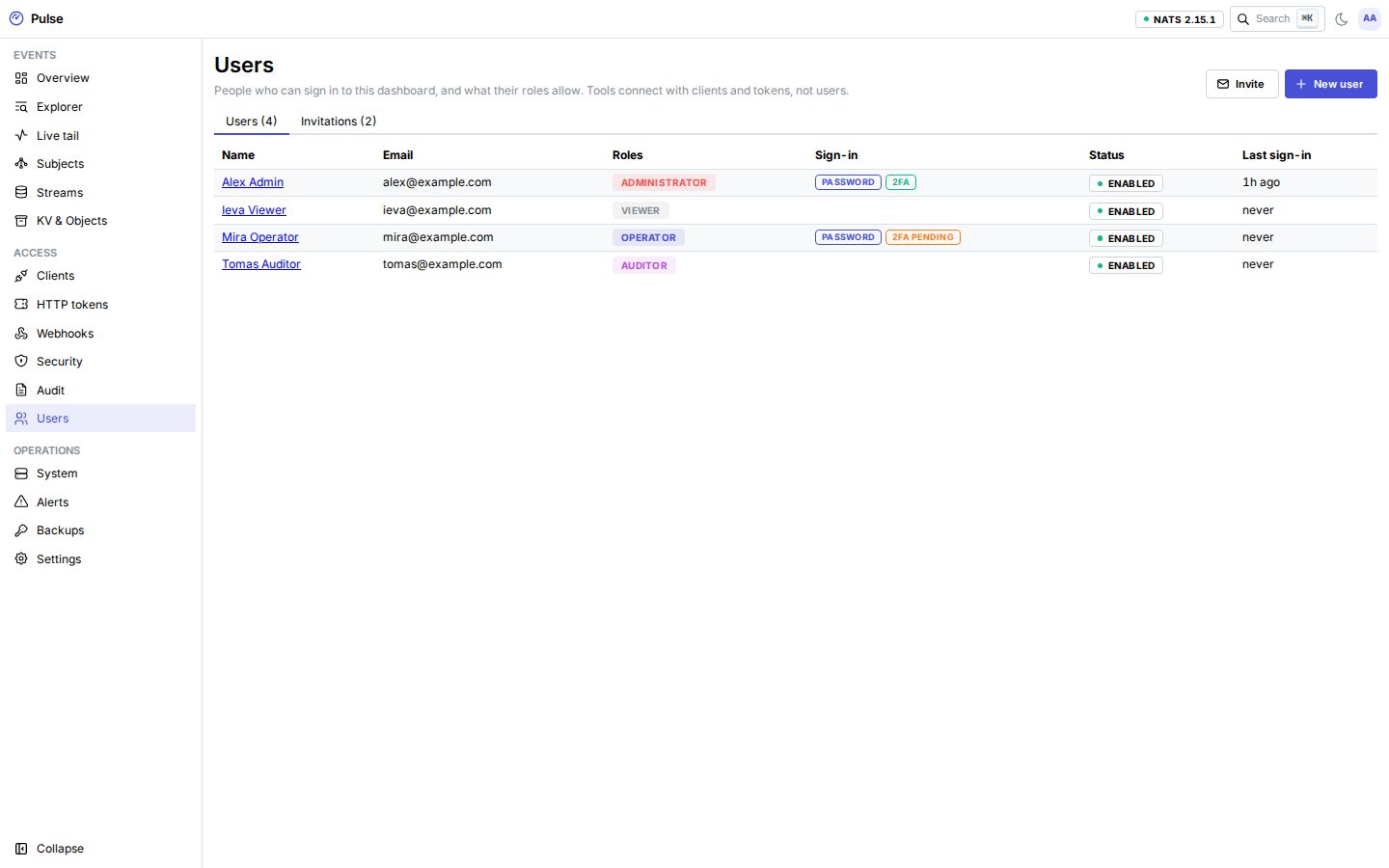
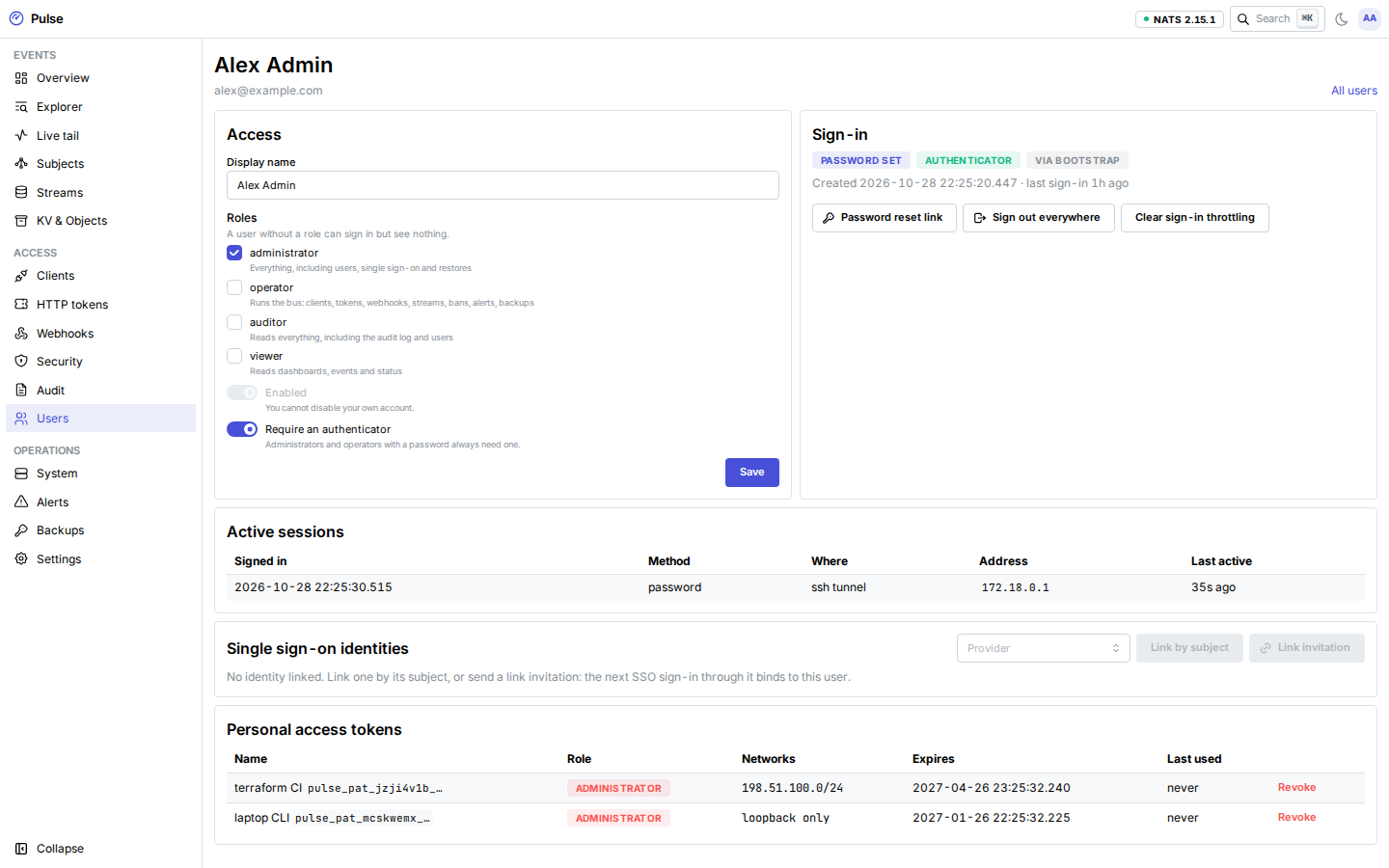
For administrators (auditors can look): every user with their roles, how they signed in last, whether TOTP is enrolled, and their status. Create users, change roles, disable or delete them, issue a single-use password link, sign a user out everywhere, clear sign-in throttling, and manage their SSO identities and personal access tokens. The Invitations tab invites people by email with preset roles and lists pending invitations. See Users and single sign-on.
Operations
System
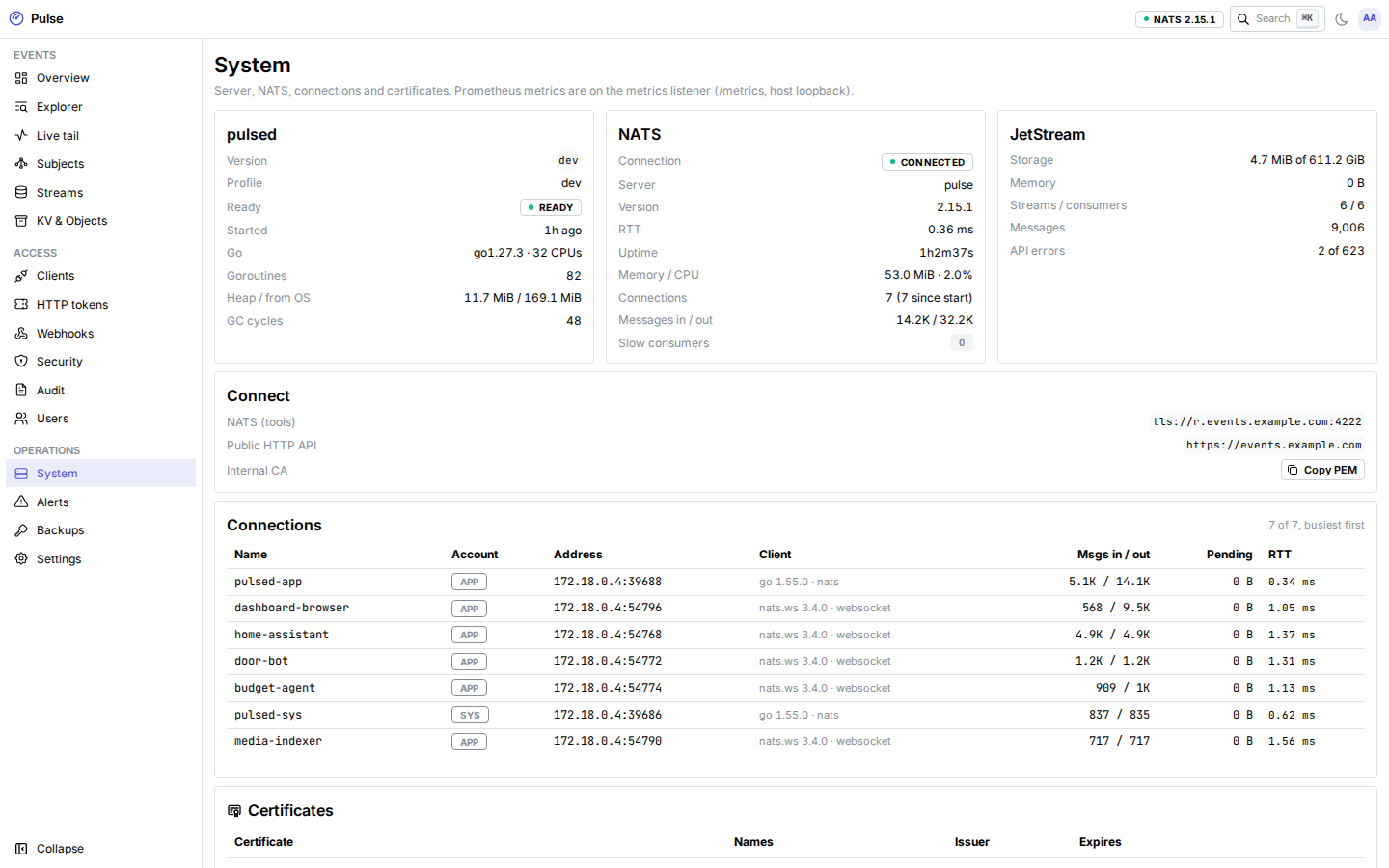
The pulsed version and runtime, the NATS server and JetStream usage, connections across accounts, and every certificate (internal CA, NATS leaf, Let's Encrypt, origin, AOP CA) with its expiry and the ACME status. Connect shows the URLs tools use and the internal CA to copy.
Alerts
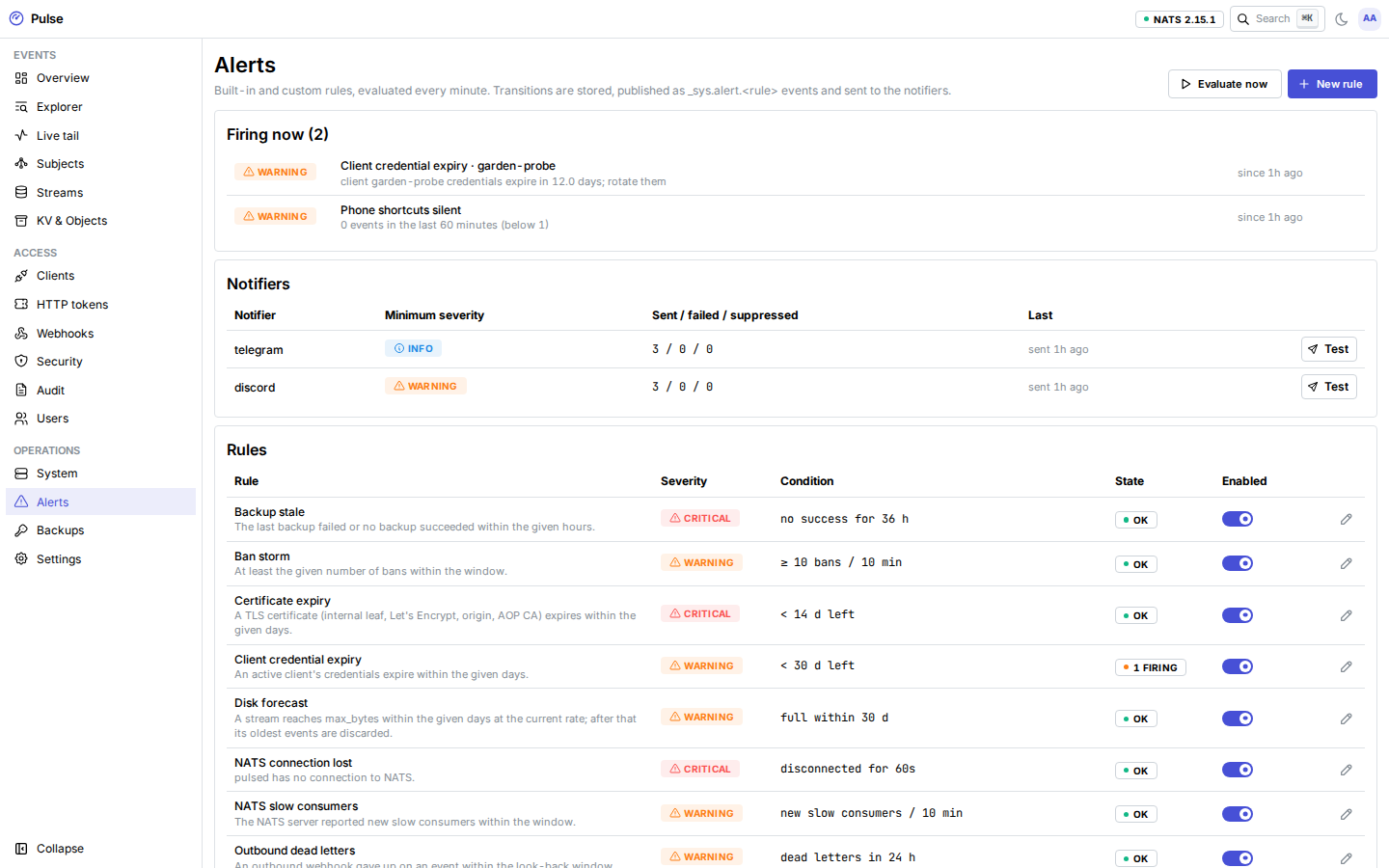
Built-in and custom rules with their current state, the notifiers (Telegram, Discord) with sent, failed and suppressed counts and a Test button, and the history of firing and resolved transitions. Custom rules count events or bytes for the stream, a type or a subject prefix over a window, above or below a threshold (below 1 is a dead-man switch). See Monitoring and alerts.
Backups
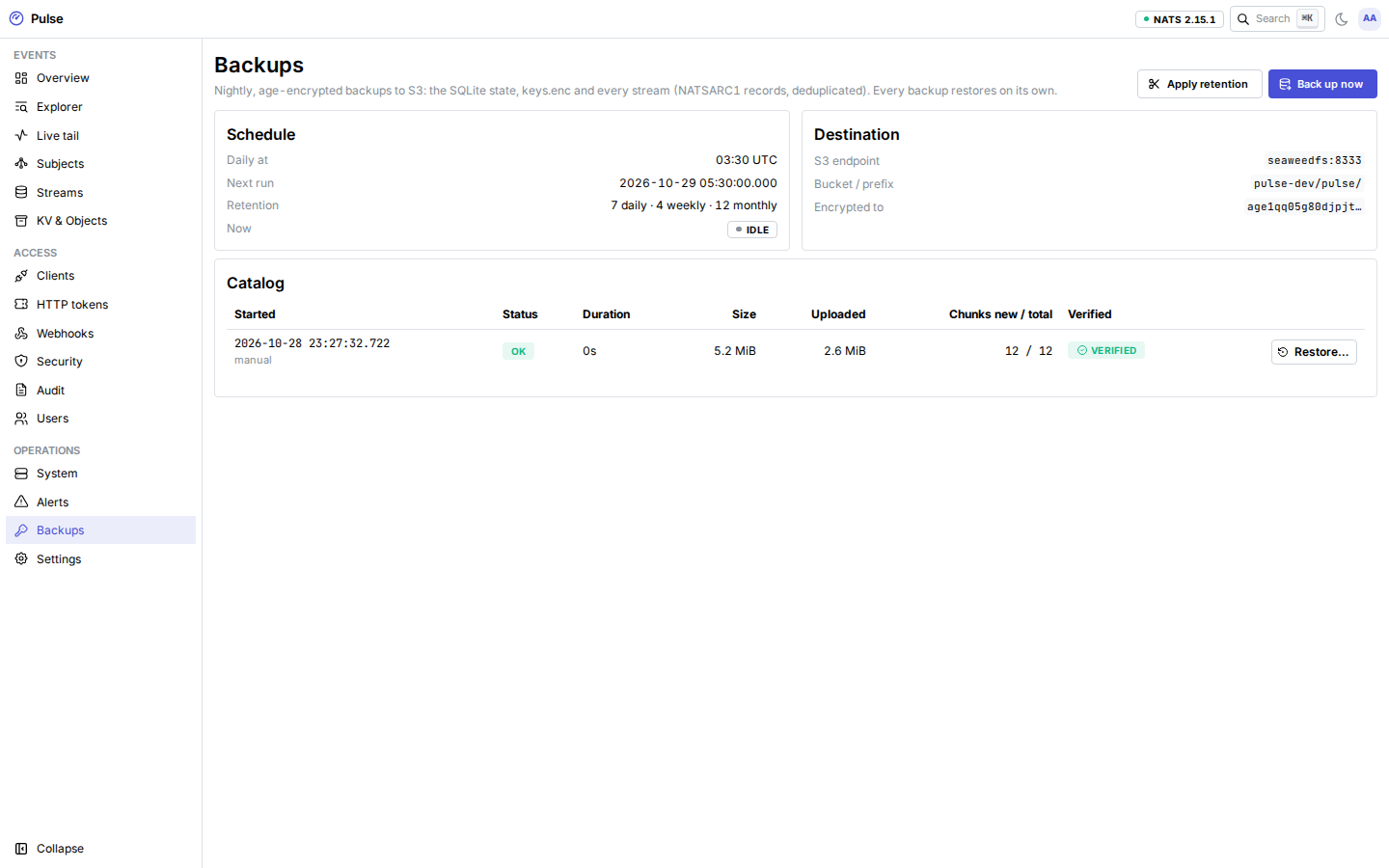
The backup catalog: when each backup ran, its size, what that run uploaded, and whether every referenced object was verified in the bucket. Back up now, apply retention, and restore streams from any backup with your age identity.
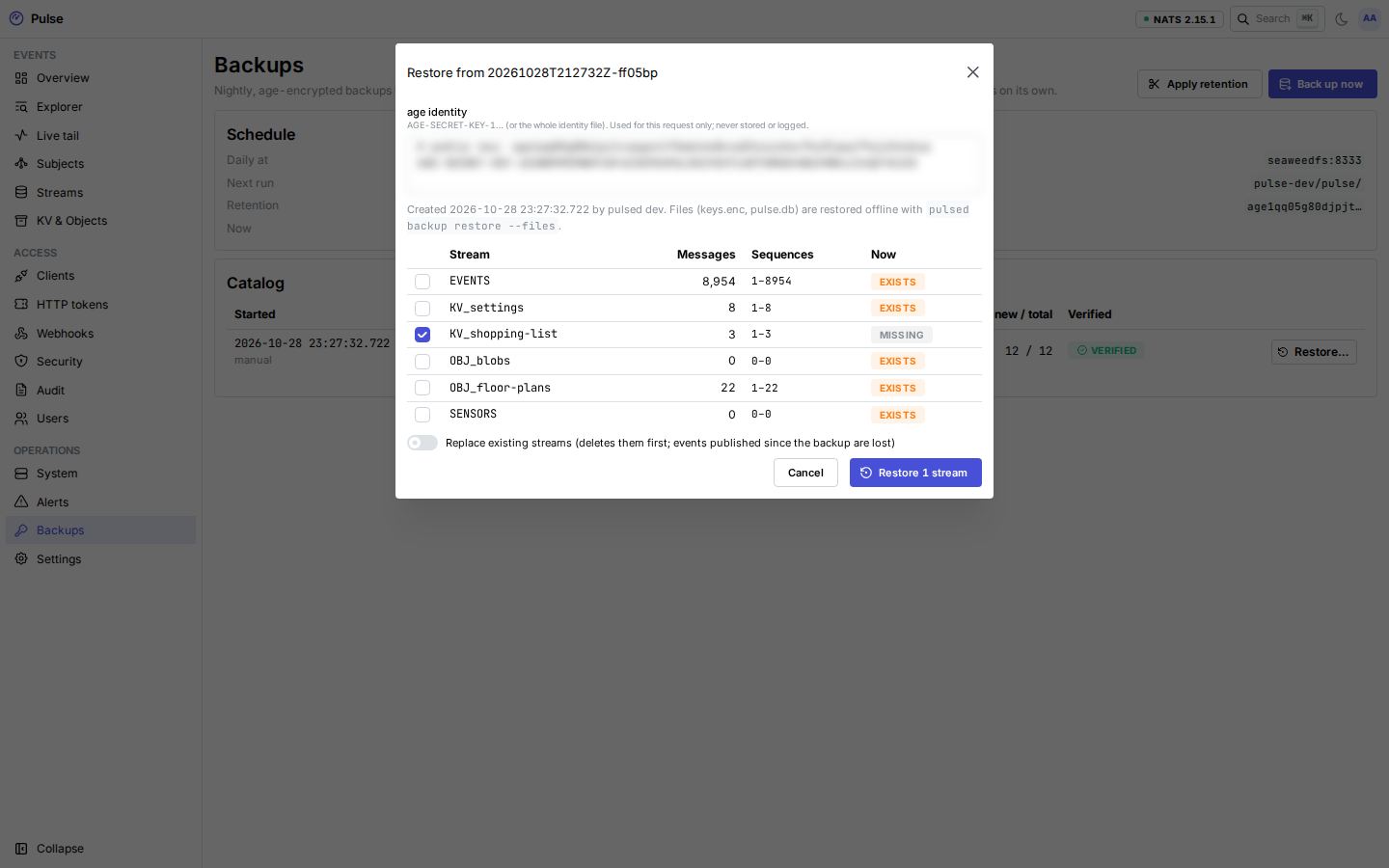
A restore starts with a dry run that lists every stream in the backup, its messages and sequence range, and whether it exists now. Existing streams are skipped unless you choose Replace and type the backup ID.
Settings
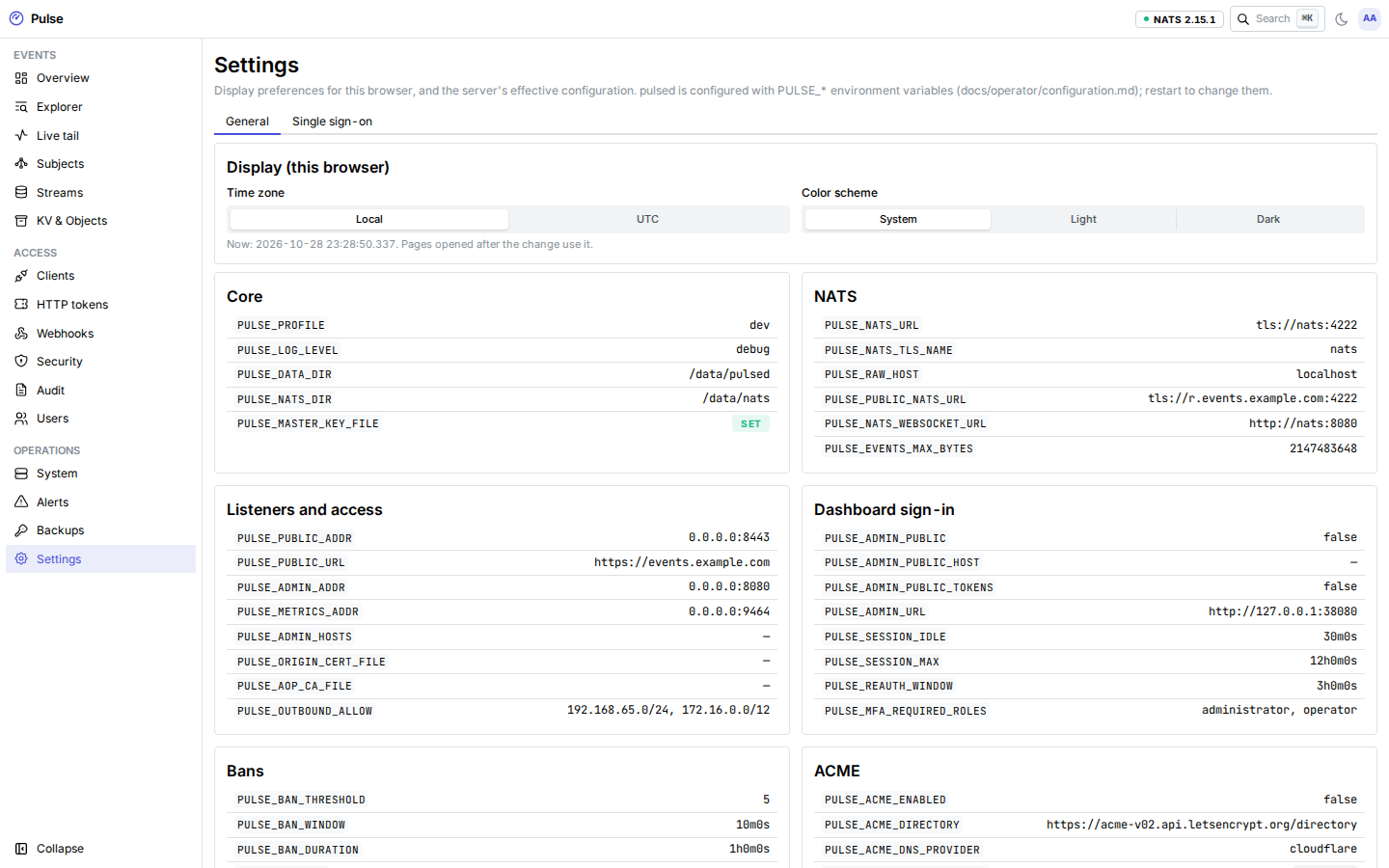
Display preferences for this browser (time zone for timestamps) and the server's effective configuration. Secrets appear only as set or not set. pulsed is configured with PULSE_* environment variables; change them in the deployment and restart.
The Single sign-on tab (administrators) adds OpenID Connect providers, maps provider groups to roles, runs a test login, and turns password sign-in off once SSO works.
Next: Clients & SDKs.