
Operator guides
Task-oriented guides for the person who runs Pulse. Pulse is a single-owner system: one operator, one VPS, one pulsed and one NATS server. The detailed contract lives in the repository's docs/operator/; these pages explain how to use it.
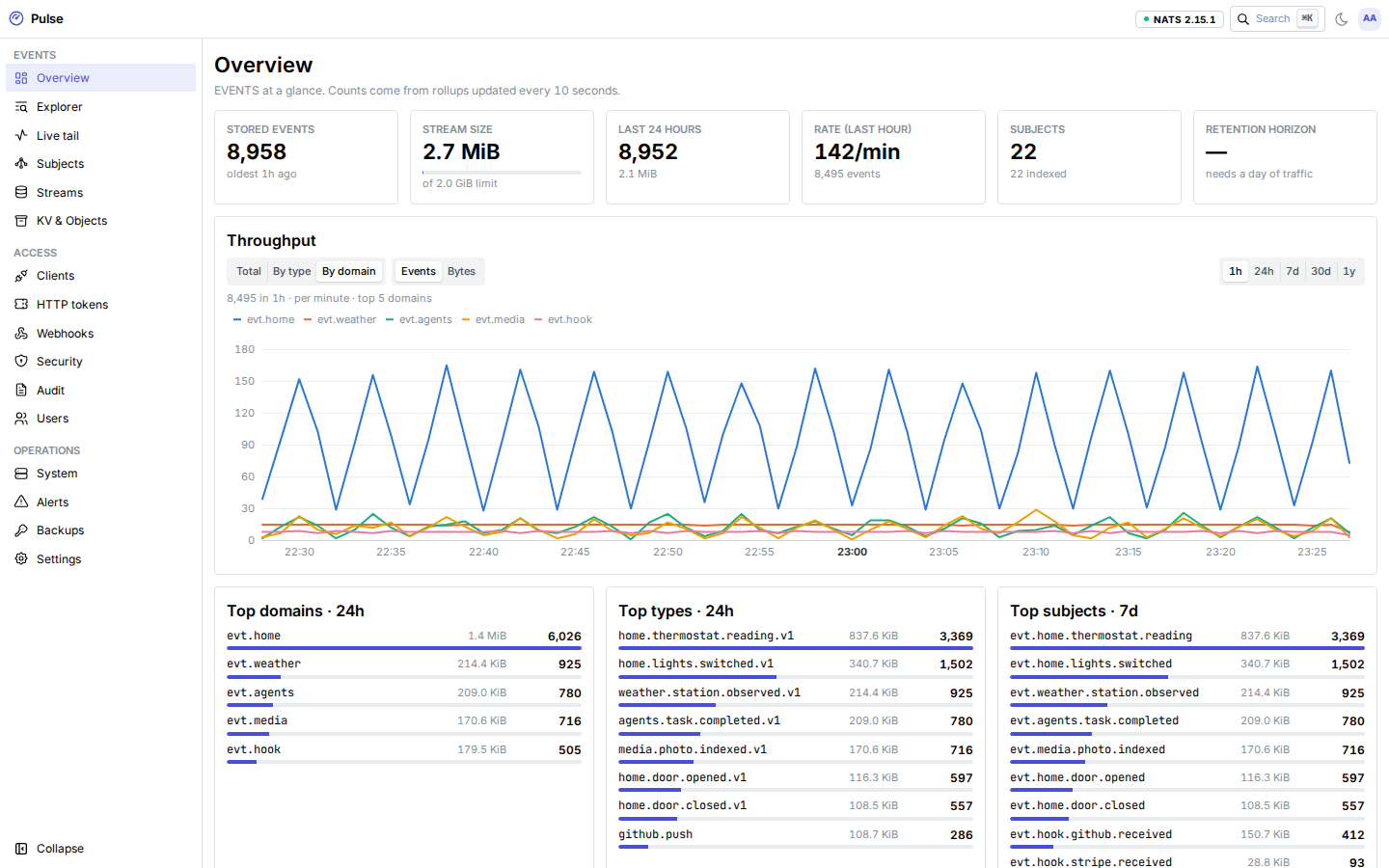
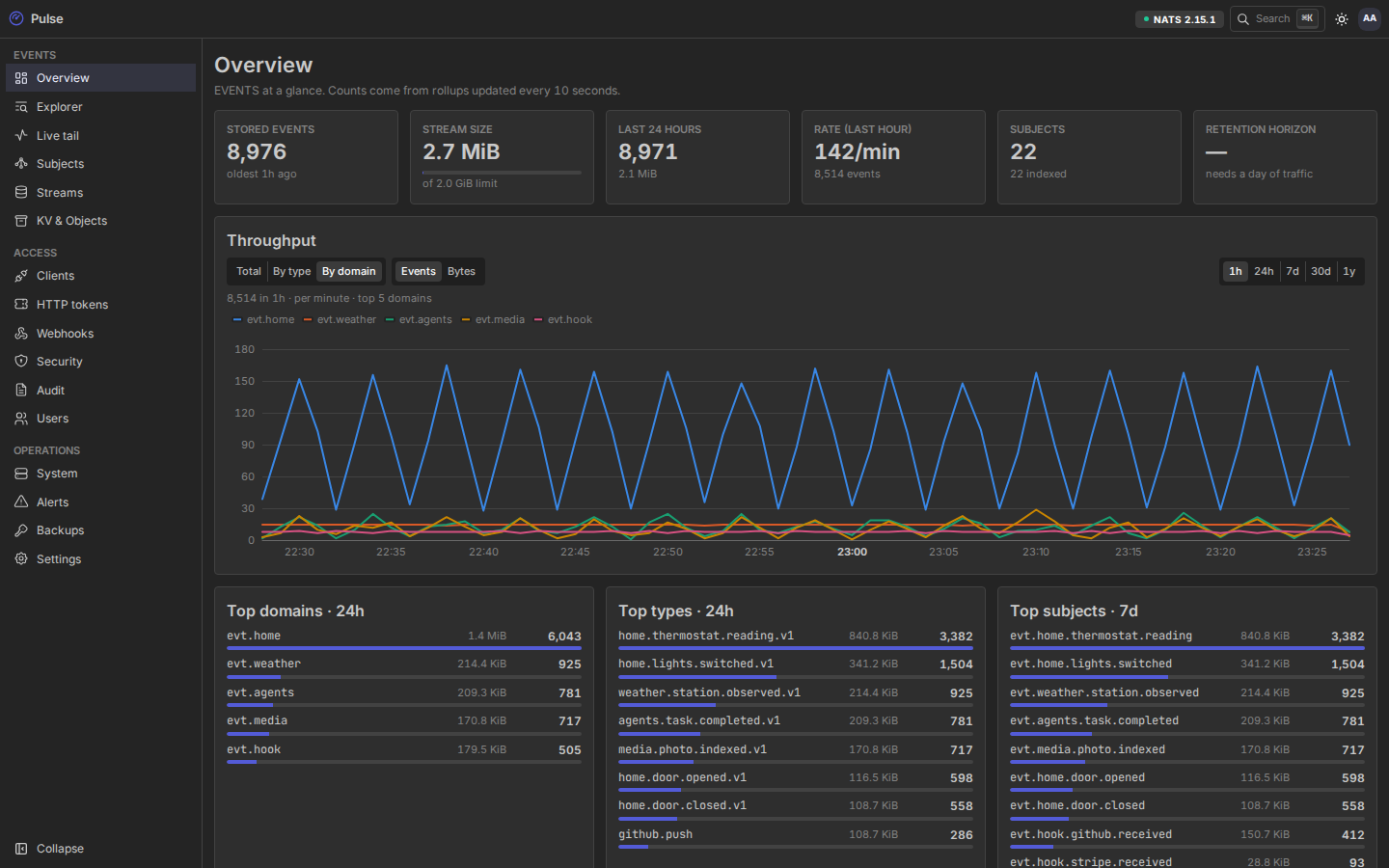
Reaching the dashboard
The dashboard and the admin API need a signed-in user with a role: administrator, operator, auditor or viewer. People sign in with a password and TOTP, or with single sign-on. The first administrator comes from pulsed admin bootstrap. See Users and single sign-on.
The admin listener is on host loopback, so you can always reach it through an SSH tunnel:
ssh -L 8080:127.0.0.1:8080 you@vps.example.com
# then open http://127.0.0.1:8080
With PULSE_ADMIN_PUBLIC=true the dashboard is also served behind Cloudflare, on its own hostname or on the API hostname. The admin commands of the pulse CLI (pulse clients, pulse streams, pulse backup) always use the tunnel (--admin-url http://127.0.0.1:8080) with a personal access token.
Everyday work
| Task | Guide |
|---|---|
| Invite people, assign roles, set up single sign-on | Users and single sign-on |
| Give a tool its own credentials and exactly the subjects it needs | Clients and grants |
| HTTP tokens for scripts and services that cannot speak NATS | Clients and grants |
| Look at events, streams, consumers, KV buckets and objects | Streams, KV and objects |
| See who changed what | Clients and grants |
| Receive webhooks from GitHub or Stripe, send events to your services | Webhooks in and out |
Setup and operations
| Task | Guide |
|---|---|
| Hostnames, Cloudflare, the origin certificate and Let's Encrypt for NATS | Cloudflare and TLS |
| The nftables table, automatic bans, lifting a ban | Firewall and bans |
| The master key, the key store, what to keep offline | Keys and credentials |
| Nightly encrypted backups, restores, disaster recovery | Backup and restore |
| Logs, metrics, alert rules, Telegram and Discord | Monitoring and alerts |
| New releases, migrations, rollback | Upgrades |
| Configuration as code | Terraform |
First time? Start with Deploy on a VPS, then Connect your first tool.
Where state lives
| What | Where | Backed up |
|---|---|---|
| Events, user streams, KV buckets, object stores | NATS JetStream (nats-data volume) | Yes, as JetStream snapshots |
| Clients, grants, tokens, webhooks, bans, audit, alerts, rollups, settings, dashboard users and SSO providers | SQLite pulse.db (pulsed-data volume) | Yes |
| Signing keys, internal CA, ACME account | keys.enc, sealed with the master key | Yes (still sealed) |
| Master key | A compose secret from your vault, never on a volume | No: keep it in your vault |
| age backup identity | Offline only | No: keep two offline copies |