Cloudflare and TLS
Pulse has two public hostnames (three with a separate dashboard hostname) and three TLS surfaces. This page explains what each one needs and how its certificate is renewed.
Hostnames
| Hostname (example) | Cloudflare | Serves | Port |
|---|---|---|---|
events.example.com | Proxied (orange cloud) | Public HTTP API, /hooks/*, /ws for browsers | 443, Cloudflare ranges only |
admin.events.example.com (optional) | Proxied (orange cloud) | The dashboard, when PULSE_ADMIN_PUBLIC=true and PULSE_ADMIN_PUBLIC_HOST is set (public dashboard) | 443, Cloudflare ranges only |
r.events.example.com | DNS only (grey cloud) | Raw NATS over TLS for tools with .creds | 4222, open |
Cloudflare cannot proxy raw NATS, so tools connect to r.events.example.com:4222 directly. Everything HTTP goes through Cloudflare: the firewall drops port 443 from any address outside Cloudflare's published ranges (firewall and bans). SSH is the only other open port. The dashboard is public only when you enable it, behind Cloudflare and AOP like the API, on its own hostname or on events.example.com; otherwise it is reached through the SSH tunnel.
Set PULSE_PUBLIC_HOST and PULSE_RAW_HOST to these names. They also appear in the connection snippets on the Clients and HTTP tokens pages (PULSE_PUBLIC_URL, PULSE_PUBLIC_NATS_URL override them).
What Cloudflare needs
Pulse does not configure Cloudflare itself (apart from an optional ban list, below). Manage these resources in your own infrastructure code; a Terraform module for them is not part of this repository.
| Resource | Purpose |
|---|---|
| DNS: proxied record for the public host (and the dashboard host), DNS-only record for the raw host | The hostnames above |
| SSL/TLS mode Full (strict) | Cloudflare verifies the origin certificate |
| An Origin CA certificate for the public host (and the dashboard host) | Served by pulsed on 443 (PULSE_ORIGIN_CERT_FILE, PULSE_ORIGIN_KEY_FILE) |
| Per-hostname Authenticated Origin Pulls with a client certificate from your own CA | Proves a request came through your zone (PULSE_AOP_CA_FILE is that CA) |
| WebSockets enabled | For /ws |
| Cache bypass for the public host (and the dashboard host) | API responses, SSE and hooks must never be cached |
| WAF custom rules and a rate-limiting rule | Block what does not match /api/v1/*, /hooks/*, /ws (not on the dashboard host, and not at all when the dashboard shares the public host); slow down floods. The free plan's single rate-limit rule (10 s period) is enough |
| Optional: an account IP list and a WAF rule that blocks it | Edge enforcement of Pulse bans |
| Scoped API tokens | DNS edit on the zone for ACME; list edit for the ban list. Nothing broader |
Use your own CA for Authenticated Origin Pulls, not Cloudflare's shared one. With the shared certificate, any other Cloudflare customer could point a zone at your origin and pass the check.
The three TLS surfaces
| Surface | Certificate | Renewal |
|---|---|---|
| Public listener (443 → 8443) | Cloudflare Origin CA certificate, plus the AOP client CA | Long-lived. Replace the files; pulsed reloads them when their modification time changes. |
| Raw NATS (4222) | Let's Encrypt for the raw hostname, served next to the internal leaf | pulsed renews it itself (below). |
| pulsed → NATS (inside the compose network) | Internal CA leaf for the name nats | pulsed init renews it; init runs on every deploy. |
In the prod profile, pulsed refuses to start the public listener without the origin certificate (no plain HTTP) and without PULSE_AOP_CA_FILE. A request without a client certificate that chains to the AOP CA is rejected in the TLS handshake and never reaches a handler.
CF-Connecting-IP is trusted only when the TCP peer is in Cloudflare's ranges and presented a valid AOP client certificate. Otherwise pulsed uses the peer address. Bans, token source networks and logs all use that address.
Let's Encrypt for raw NATS
With PULSE_ACME_ENABLED=true, pulsed obtains a certificate for PULSE_RAW_HOST with the ACME DNS-01 challenge through Cloudflare (PULSE_ACME_CF_TOKEN_FILE: a token with DNS edit and zone read on that zone only).
- It checks shortly after start and then twice a day; a failure retries after an hour.
- It renews when 30 days are left, or in the last third of the lifetime for short-lived certificates.
- The certificate and key are written atomically to the NATS volume. pulsed then asks NATS to reload and checks that the served certificate has the new serial.
- NATS picks the certificate by SNI. Tools that dial the raw hostname get Let's Encrypt and need no extra trust. pulsed itself dials SNI
natsand keeps verifying the internal CA. - A failed renewal keeps serving the old certificate. The error is on the System page.
For a first dry run, point PULSE_ACME_DIRECTORY at Let's Encrypt staging (https://acme-staging-v02.api.letsencrypt.org/directory).
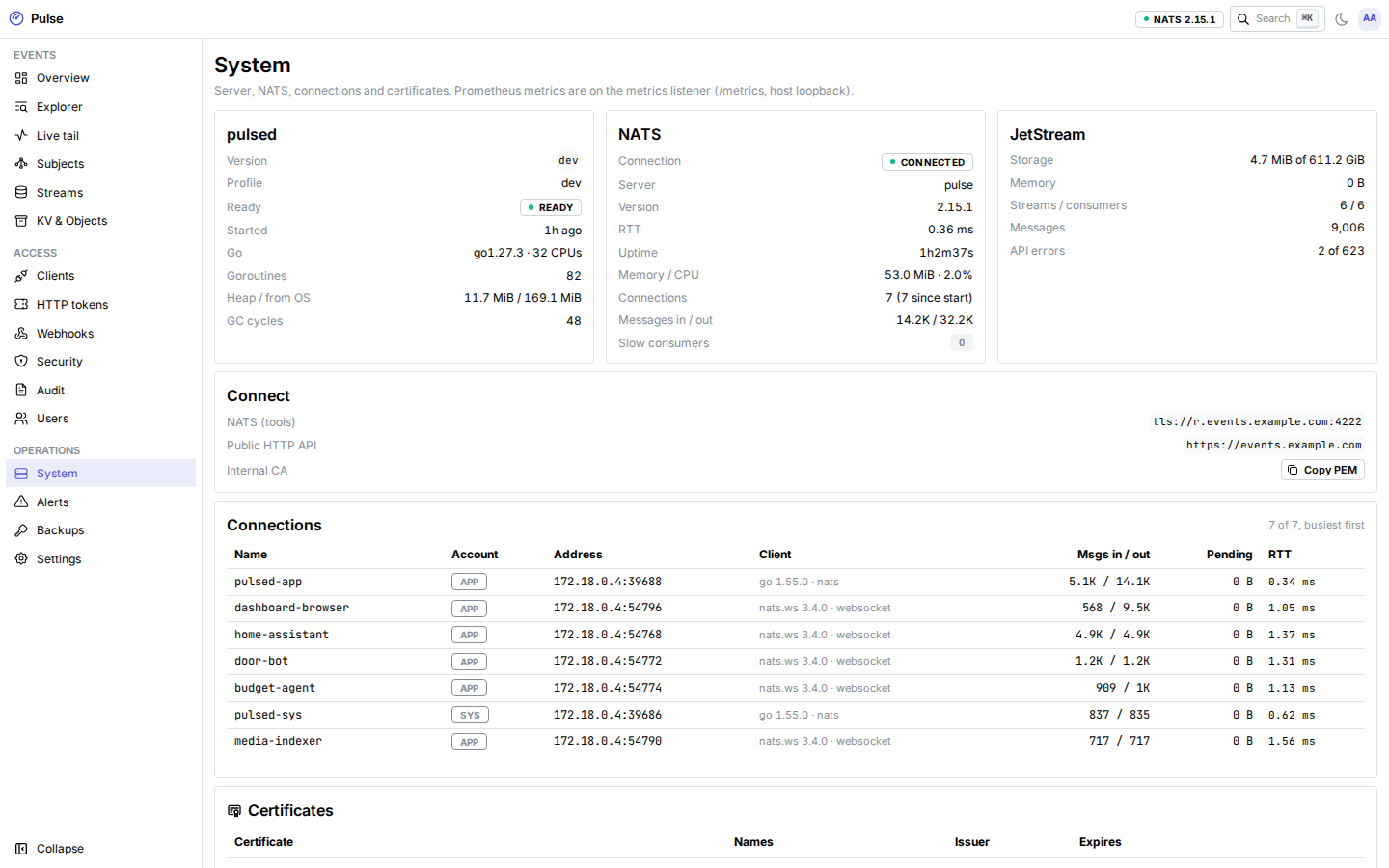
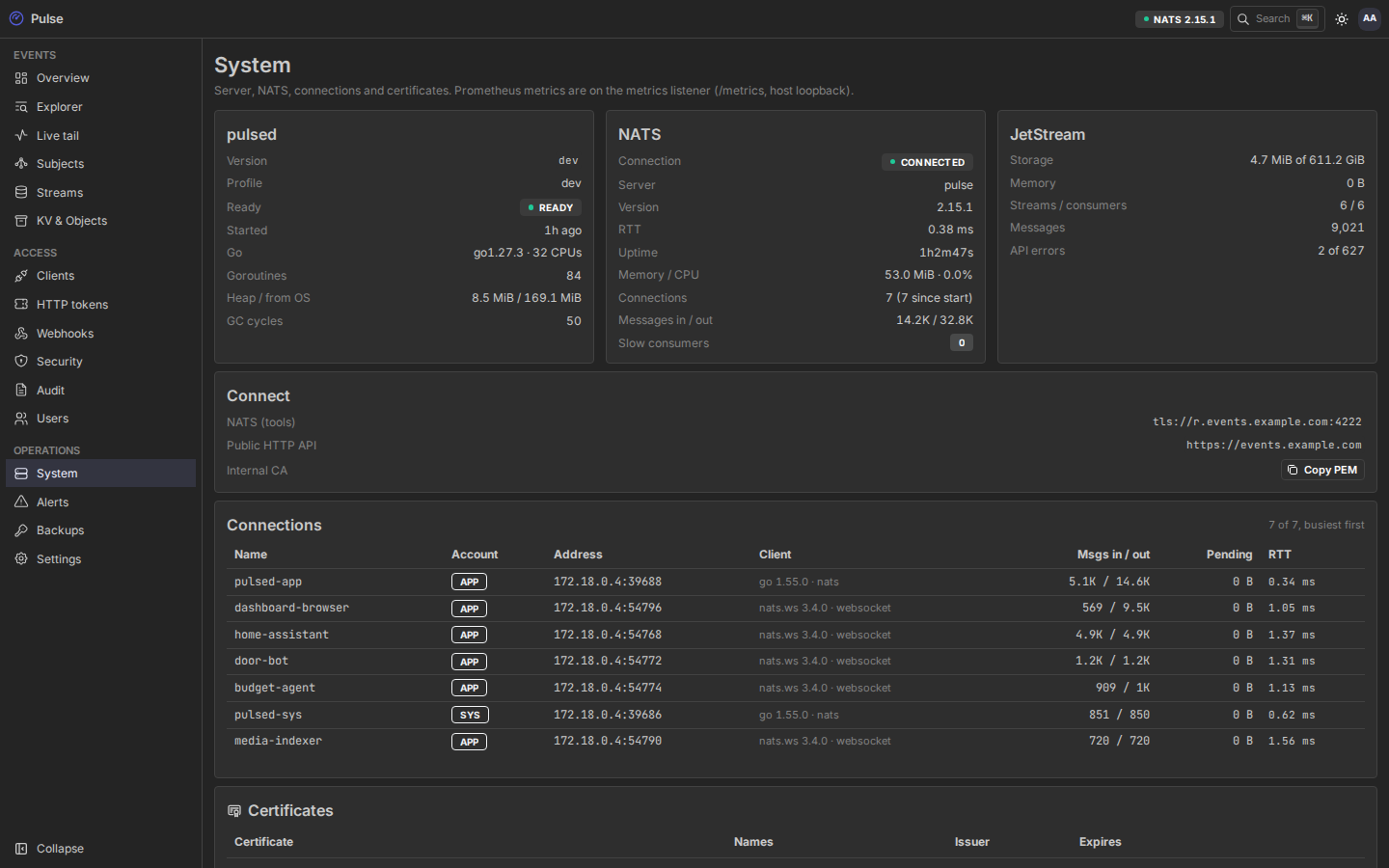
Until the first certificate is issued (or with ACME off), tools must trust the internal CA. The System page has it under Connect → Internal CA; pass it to the SDKs (WithCAFile, ca=, --ca).
Checking certificates
The System page lists every certificate (internal CA, NATS leaf, Let's Encrypt, origin certificate, AOP CA) with its names, issuer, serial and days left, plus the ACME status. The cert_expiry alert fires 14 days before any of them expires, and pulse_certificate_not_after_timestamp_seconds exports the expiry times as metrics.