
Try it locally
This page runs the whole stack on your laptop with Docker Compose: pulsed init, NATS, pulsed serve, Grafana Alloy and SeaweedFS as a local S3 for backups. It uses the dev profile: plain HTTP on the public listener, a generated master key in deploy/.dev/, and debug logs. Never use it for real data; see Deploy on a VPS.
What you need
- Docker with Compose v2.
- Go 1.27 (for the
pulseCLI and to generate the dev backup identity) andmake,openssl,curl,jq. - Node 24 with pnpm 10 only if you want to work on the dashboard itself.
1. Start the stack
git clone https://github.com/aurimasniekis/go-pulse.git && cd go-pulse
make dev-up
The first run builds the pulsed:dev image from the repository (the dashboard is built inside the image), generates deploy/.dev/master.key and a dev backup identity deploy/.dev/age.key, and waits until every service is healthy. Both files are gitignored.
| Port (host loopback) | Service | Override |
|---|---|---|
127.0.0.1:8080 | Dashboard and admin API | PULSE_DEV_ADMIN_PORT |
127.0.0.1:4222 | NATS (TLS, internal CA) | PULSE_DEV_NATS_PORT |
127.0.0.1:8443 | Public listener: /api/v1, /hooks/*, /ws (plain HTTP in dev) | PULSE_DEV_PUBLIC_PORT |
127.0.0.1:9464 | Metrics and health | PULSE_DEV_METRICS_PORT |
127.0.0.1:12345 | Alloy UI | PULSE_DEV_ALLOY_PORT |
127.0.0.1:8333 | SeaweedFS S3 | PULSE_DEV_S3_PORT |
If a port is taken, override it, for example PULSE_DEV_ADMIN_PORT=18080 make dev-up, and use that port below.
2. Sign in
The dashboard needs a signed-in user, and there are no default credentials. Print a one-time setup link for the first administrator:
make dev-admin
# One-time setup link (single use, expires …); it is shown only once:
#   http://127.0.0.1:8080/setup?token=…
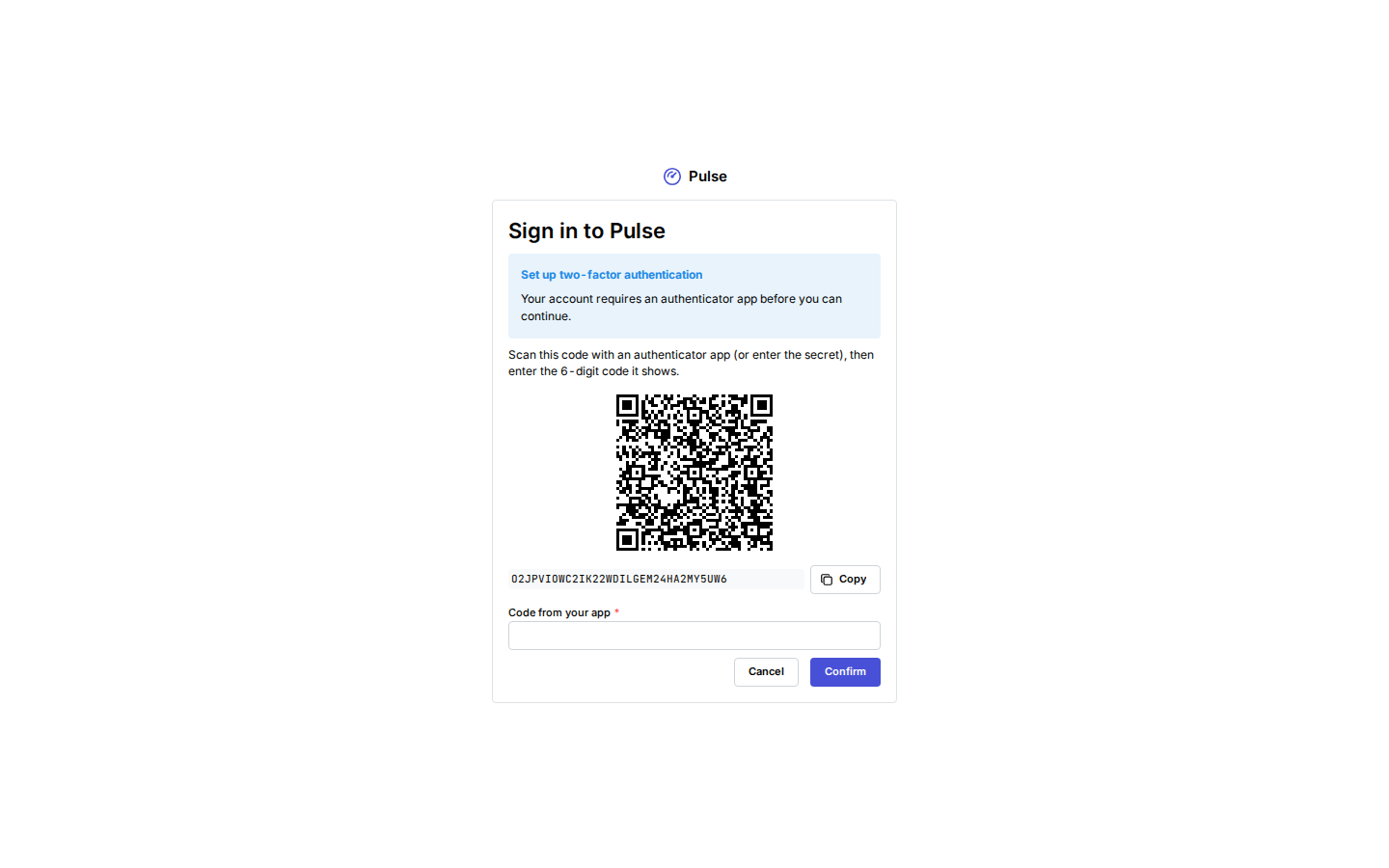
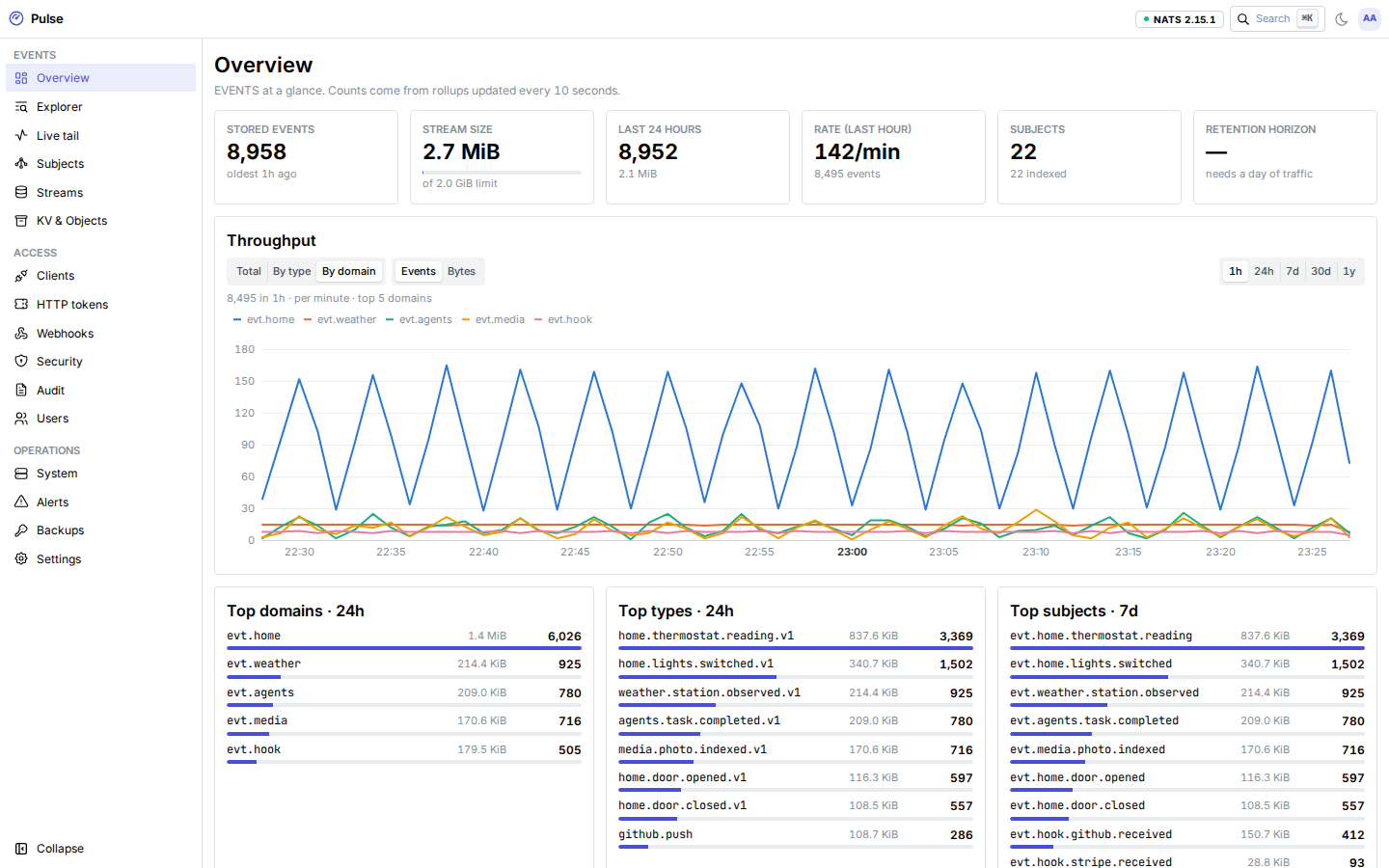
Open the link, choose an email and a password (at least 12 characters), and sign in. Administrators must enroll TOTP: scan the QR code with an authenticator app, enter a code, save the recovery codes, then enter the next code. See Users and single sign-on for the details.
3. Install the CLI
go install github.com/aurimasniekis/go-pulse/cmd/pulse@latest # or: make build-go && export PATH="$PWD/bin:$PATH"4. Create a client
The admin commands of the CLI and scripts use a personal access token: in the dashboard, open Account → Personal access tokens and create one with the role administrator (or operator). It is shown once.
export PULSE_ADMIN_TOKEN=pulse_pat_… # shown once when you create itThe dev NATS listener serves a certificate from Pulse's internal CA (on a server, Let's Encrypt takes over once ACME succeeds). Save the CA first; the System page has the same PEM under Connect → Internal CA.
curl -fsS -H "Authorization: Bearer $PULSE_ADMIN_TOKEN" http://127.0.0.1:8080/api/admin/v1/system/info \
  | jq -r .connect.ca_cert > pulse-dev-ca.pem
Create a client that may publish and replay evt.test.>. pulse clients create writes the .creds file once:
pulse clients create demo --grant 'publish:evt.test.>' --grant 'subscribe:evt.test.>'
# created demo (…); credentials written to demo.creds — they are not shown again
Or use the Clients page: Create client, add the two grants, and download the .creds from the dialog.
5. Publish and replay
pulse context add dev --url tls://localhost:4222 --creds ./demo.creds --ca ./pulse-dev-ca.pem
pulse pub evt.test.thing.created '{"n":1}' -t test.thing.created.v1
pulse pub evt.test.thing.created '{"n":2}' -t test.thing.created.v1
pulse sub 'evt.test.>' --since 1h            # replays both, then follows; Ctrl-C to stop
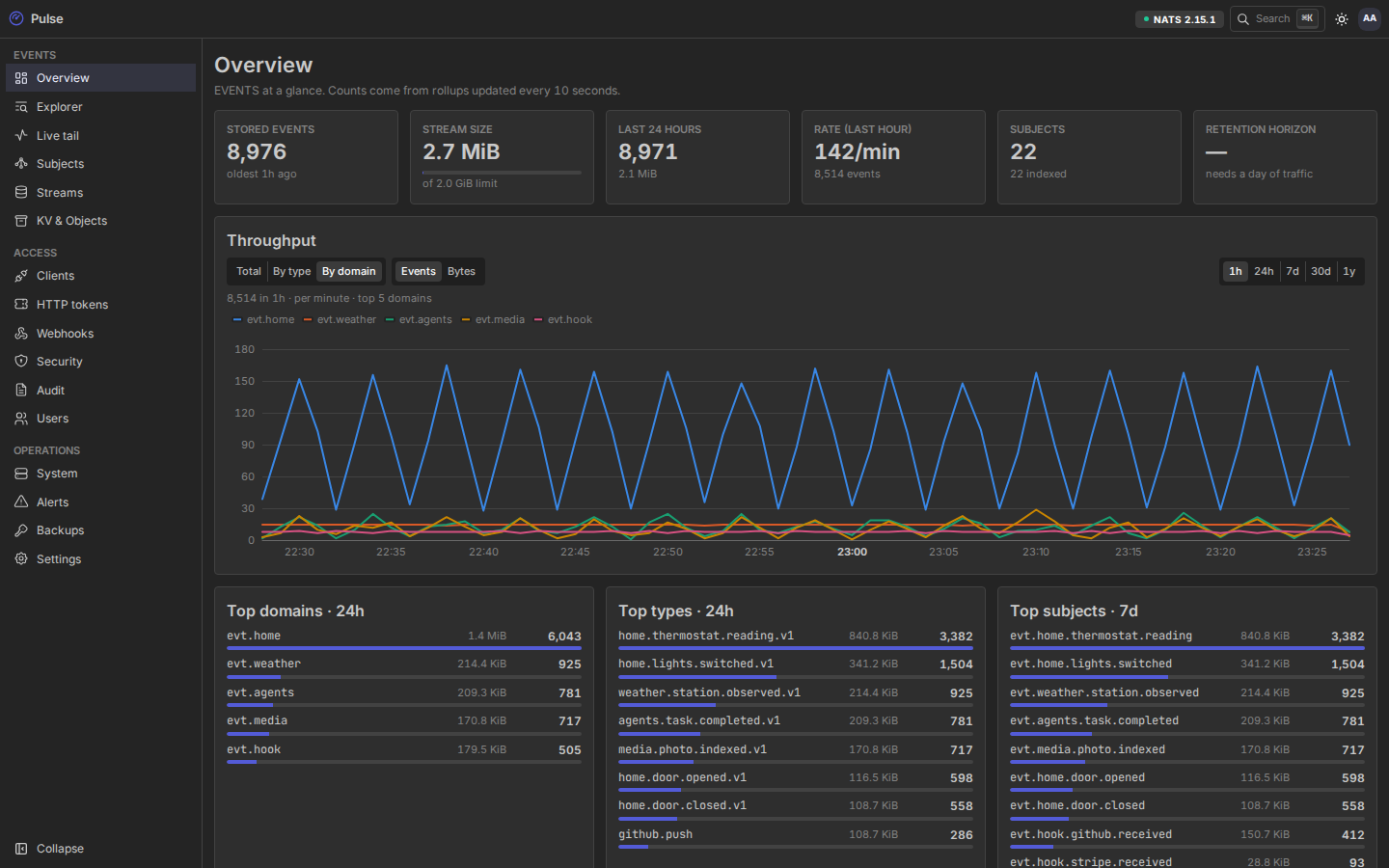
The events appear in the Explorer, the Live tail and, within ten seconds, on the Overview. Try what least privilege means:
pulse pub evt.home.door.opened '{}' # fails: no publish grant on evt.home.>NATS reports permission violations asynchronously, so a denied publish surfaces as a timeout (10 seconds for pulse pub) rather than an immediate error.
Then revoke the client on the Clients page (or pulse clients revoke demo --yes) and watch a running pulse sub lose its connection.
6. Optional: HTTP and webhooks
Create an HTTP token on the HTTP tokens page with a publish grant on evt.test.> and copy it (it is shown once):
export PULSE_TOKEN=pulse_…
curl -fsS -X POST http://127.0.0.1:8443/api/v1/publish/evt.test.thing.created \
  -H "Authorization: Bearer $PULSE_TOKEN" -H "Ce-Type: test.thing.created.v1" \
  -H "Content-Type: application/json" -d '{"n":3}'
See HTTP API and Webhooks in and out.
Clean up
make dev-down     # stop, keep data
make dev-reset    # stop and delete the volumes
Next: Deploy on a VPS.