
Streams, KV and objects
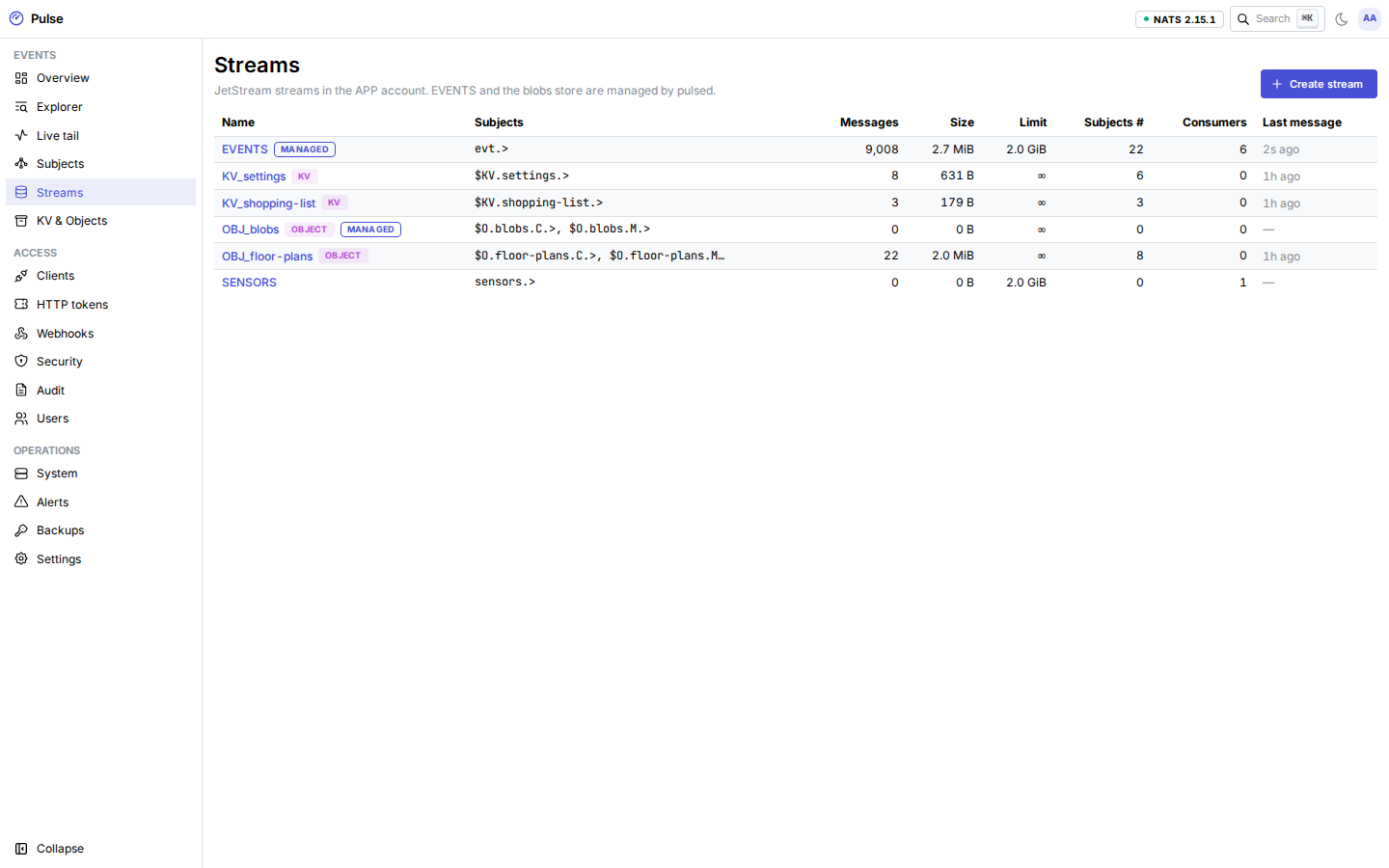
Events are stored in NATS JetStream in the APP account. pulsed manages two of the streams there and lets you create more.
The EVENTS stream
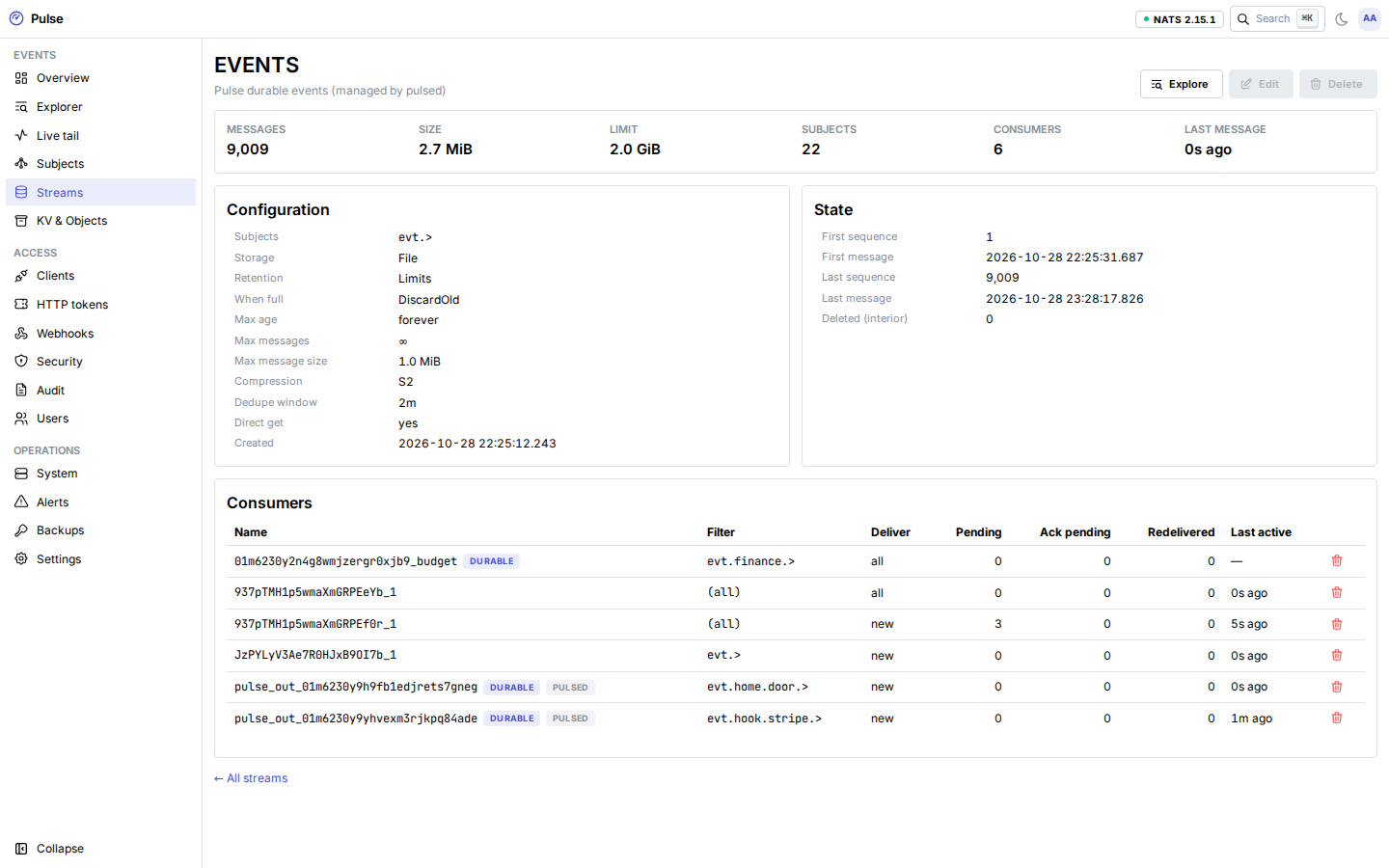
Every subject under evt.> lands in EVENTS. pulsed creates it at start and corrects drift in its settings:
| Setting | Value | Why |
|---|---|---|
| Subjects | evt.> | One stream for every tool's events. |
| Storage | File | Durable across restarts. |
| Max age, max messages | Unlimited | History is kept until the stream is full. |
| Max bytes | PULSE_EVENTS_MAX_BYTES (default 10 GiB) | The deployment sets about 60% of the data disk. |
| Discard | Old | When full, the oldest events are dropped; publishing never fails because the stream is full. |
| Compression | S2 | JSON events compress well. |
| Duplicate window | 2 minutes | A retry with the same Nats-Msg-Id within 2 minutes is stored once. |
| Max message size | 1 MiB | Larger payloads go to the blobs Object Store. |
| Direct get | On | Fast reads by subject and time. |
| Max consumers | 256 | Set at creation; NATS cannot change it later. |
Raising PULSE_EVENTS_MAX_BYTES takes effect at the next start. Lowering it would delete old events, so pulsed does not apply it: it logs a warning at start and keeps the current value. Pulse has no supported way to shrink EVENTS yet, so size it generously but not beyond what the disk can hold.
EVENTS and blobs are marked managed in the dashboard: they cannot be edited or deleted there.
Retention horizon and the disk forecast
pulsed counts every stored event (rollups, below) and turns the average daily bytes into two numbers on the Overview page:
- Retention horizon:
max_bytes ÷ average daily bytes, the number of days of history that fit at the current rate. - Disk forecast: when the stream reaches
max_bytes. After that, the oldest events are discarded.
Both need about a day of traffic before they mean anything. The disk_forecast alert fires when a stream will be full within 30 days, and stream_usage above 85% of max_bytes (monitoring). For EVENTS, stream_usage stays firing once history fills the stream; that is expected with discard-old.
User streams
The Streams page creates extra streams in the APP account, for example a work queue or a stream with a shorter retention. Their subjects may not overlap evt.>, _sys.>, $… or _INBOX.>. Names starting with KV_ and OBJ_ are reserved for buckets. Deleting a stream asks you to type its name.
Clients read from a user stream with a subscribe or durable grant that names the stream (clients and grants).
Consumers
Each stream lists its consumers with pending, ack-pending and redelivery counts. Ephemeral consumers come and go with tools' replays; durable ones are named <client-id>_<name>, plus pulsed's own (rollups, outbound webhooks), which use random names. Deleting a consumer asks for its name. A tool whose durable you delete starts again from its configured start position the next time it subscribes.
Explorer and live tail
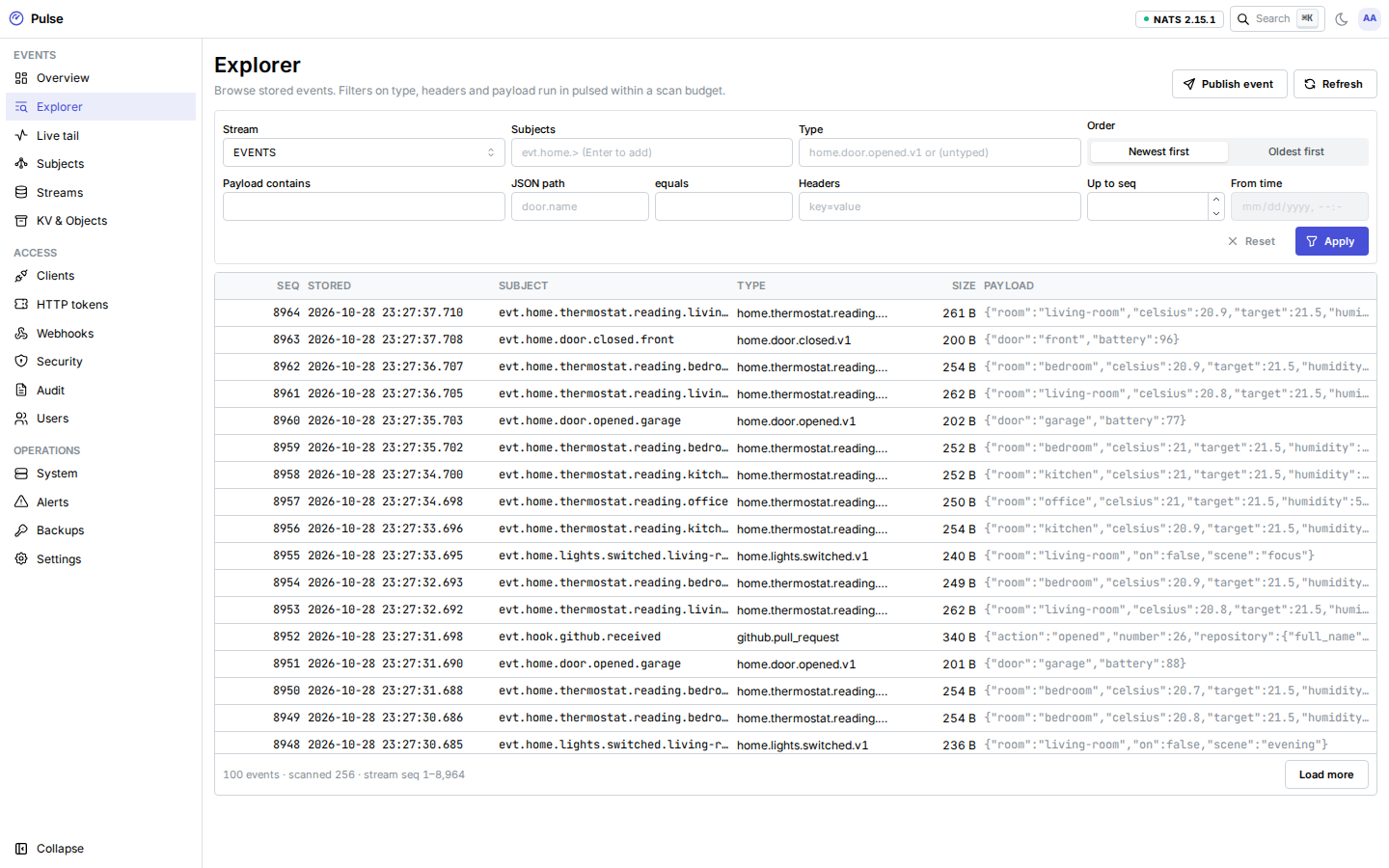
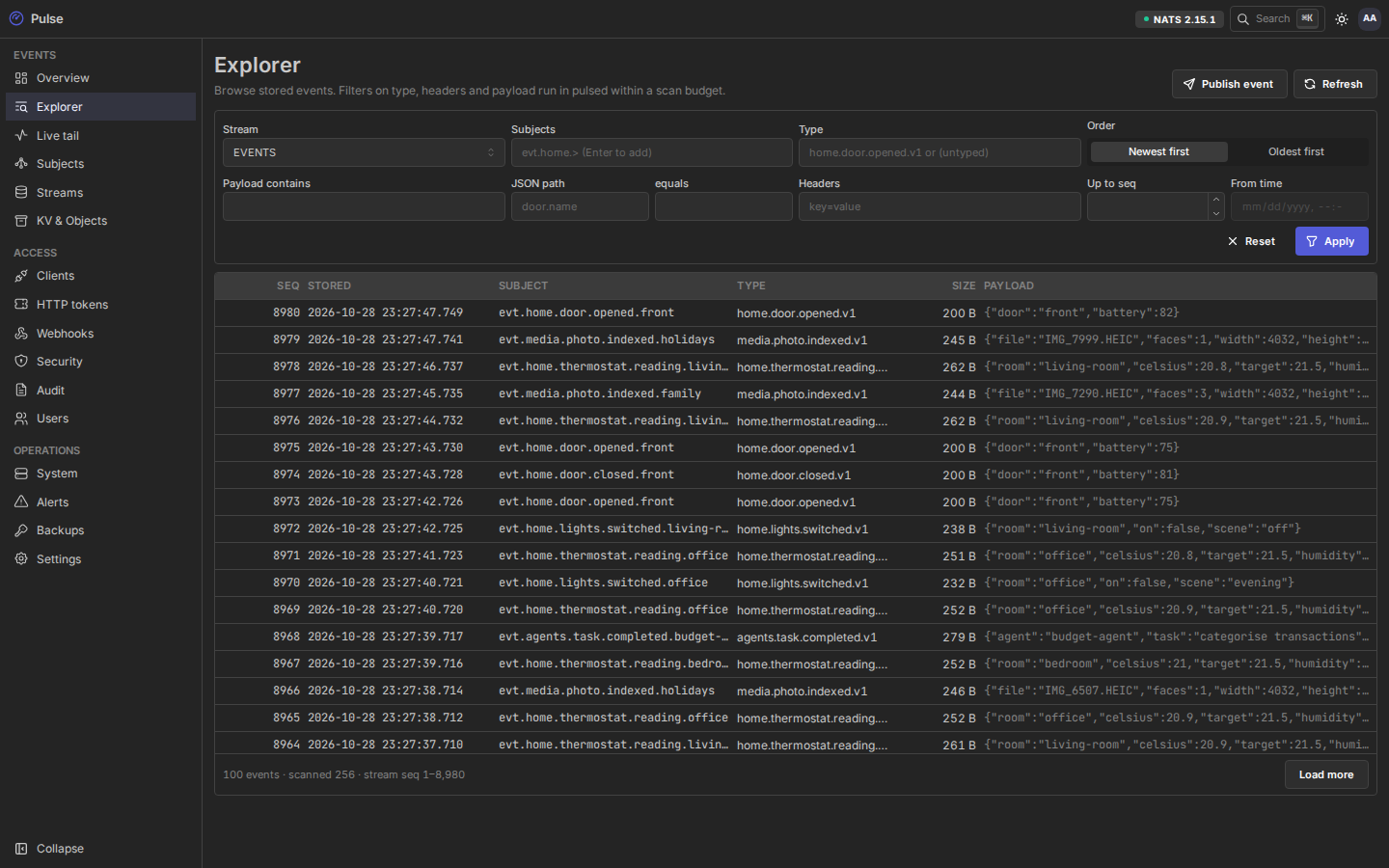
The Explorer pages through any stream newest-first or oldest-first, from a sequence or a time, filtered by subject (wildcards), ce-type, headers, a payload substring or a JSON path. Filters that NATS cannot apply run in pulsed within a budget: 50,000 messages, 64 MiB or 3 seconds per page, and at most 4 queries at once. When the budget runs out the page says so and Continue scan picks up where it stopped.
Live tail streams new events as they arrive: at most 10 sessions, 200 events per second each. Excess events are dropped from the tail (never from the stream) and the page shows how many.
KV and objects
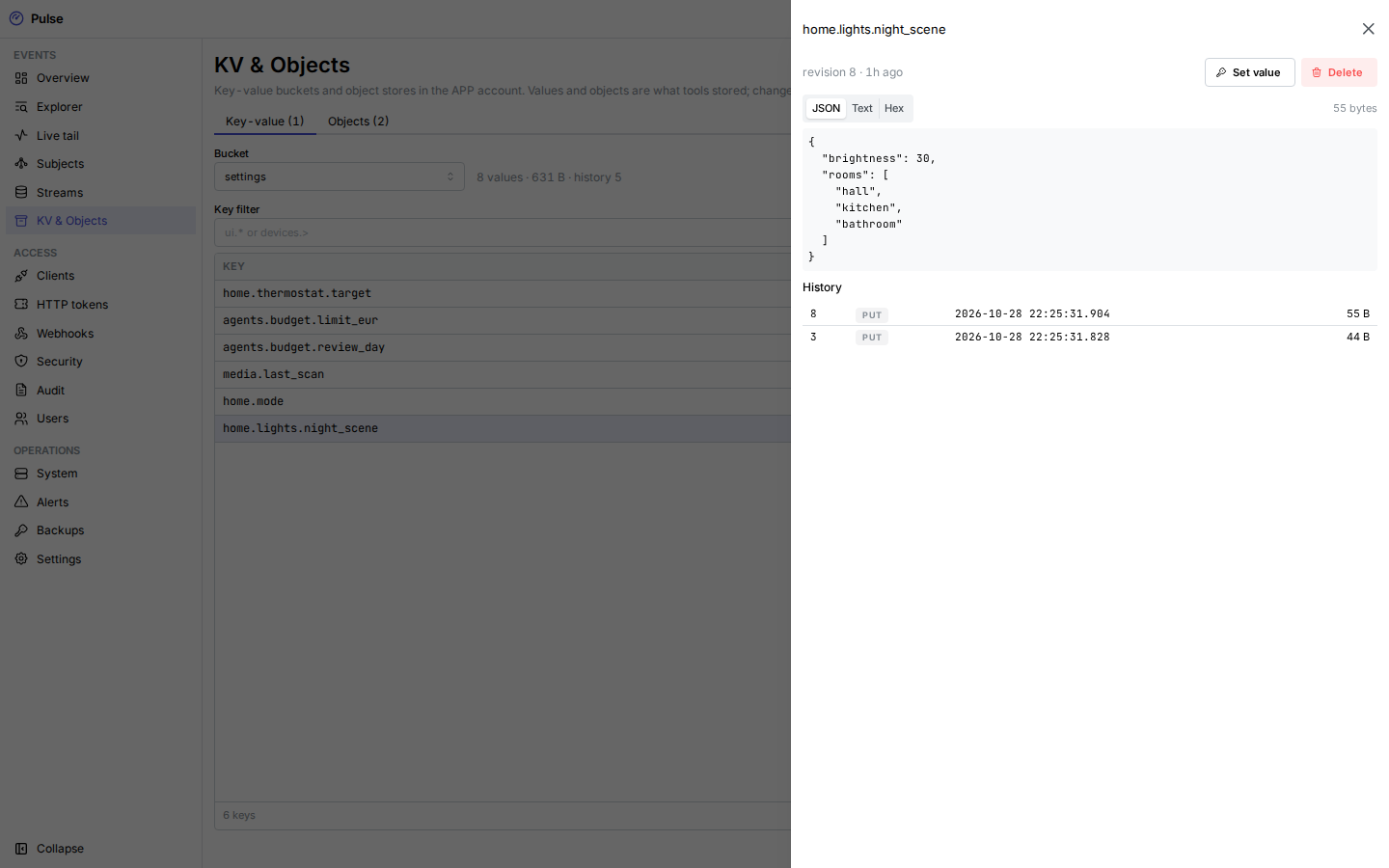
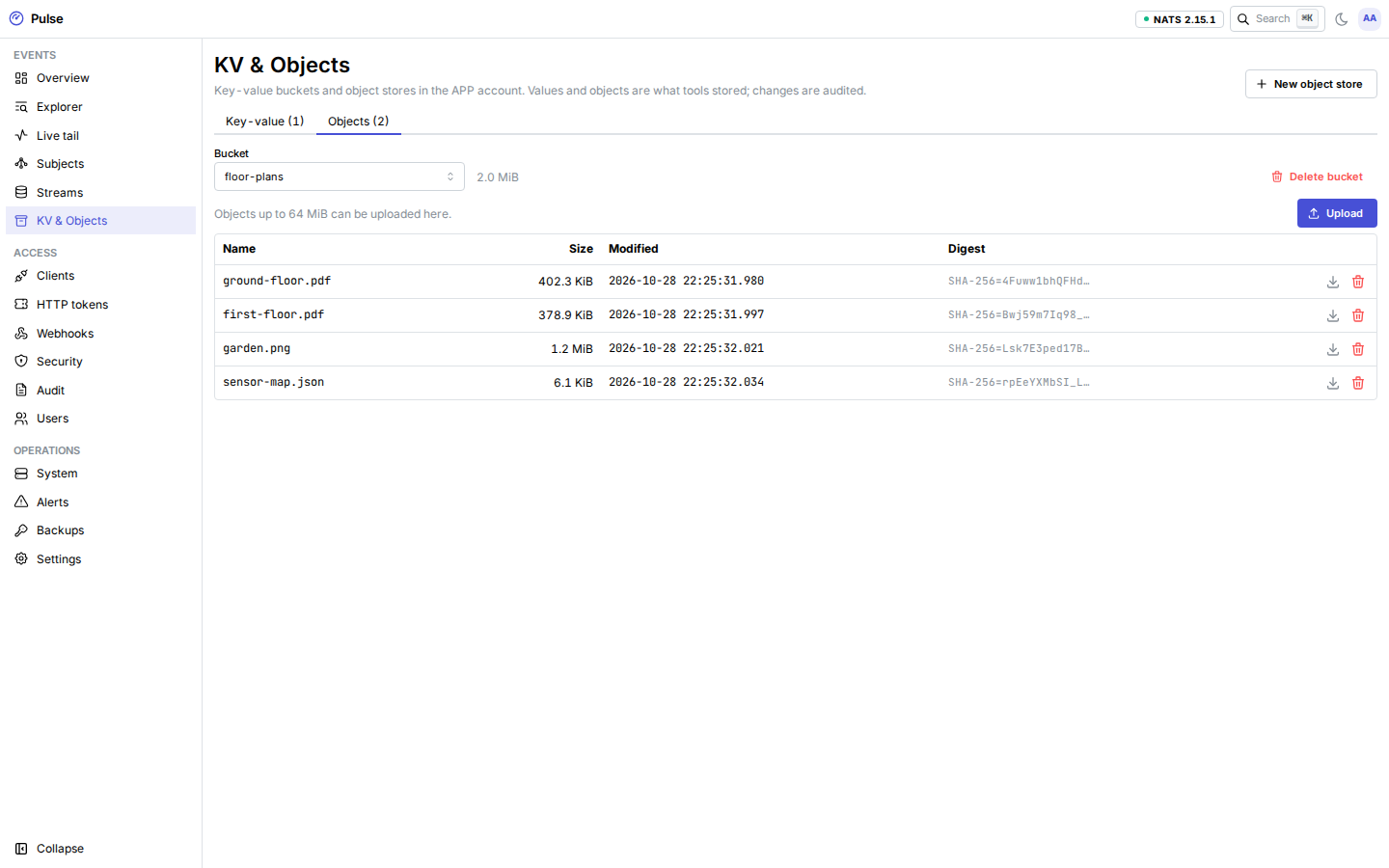
The KV & Objects page browses and edits JetStream KV buckets and object stores in the APP account: create and delete buckets, list keys, read a value with its history, set and delete keys, upload (up to 64 MiB) and download objects. The managed blobs store is read-only here. Every change is audited.
Rollups and the subject index
pulsed reads every stream with a headers-only consumer (no payload cost) and counts events and payload bytes per minute, hour and day: in total, by ce-type, and by subject prefix. Counts and the consumer position are committed together every 10 seconds to SQLite, so a restart neither loses nor double-counts.
| Resolution | Prefix depth | Kept |
|---|---|---|
| Minute | up to 2 tokens (evt.home) | 8 days |
| Hour | up to 3 tokens (evt.home.door) | 400 days |
| Day | up to 4 tokens (evt.home.door.opened) | Forever |
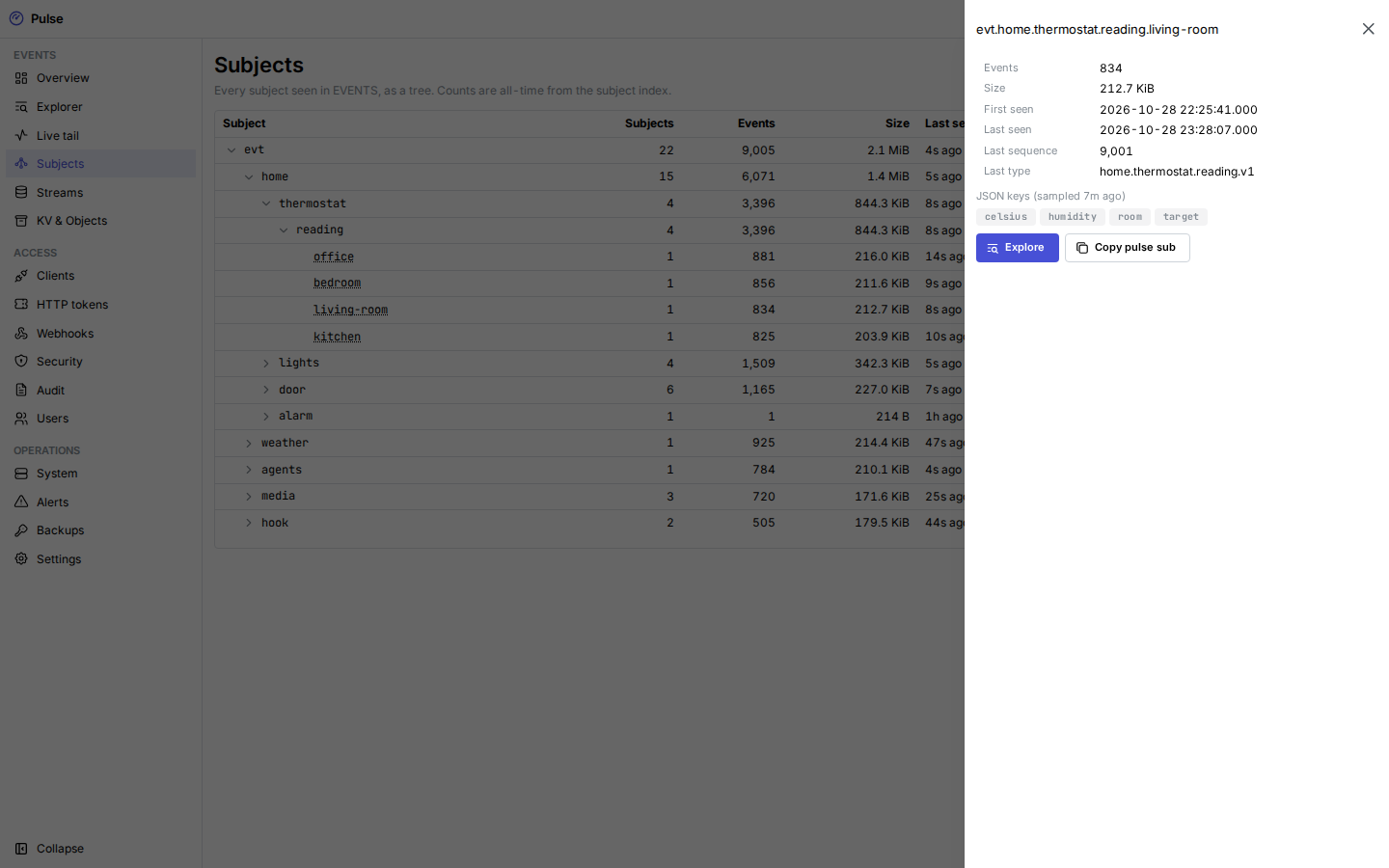
The subject index records, per subject, when it was first and last seen, its last sequence and type, totals, and a sample of the JSON keys in its payloads. It is capped at 50,000 subjects. The Subjects page shows it as a tree.
Keep distinct subjects per stream in the low tens of thousands, and put high-cardinality identifiers in the payload or in a single trailing token. This guideline is provisional until the sizing measurements are run (release status).